Newsroom
What Brello does on your Mac, one part at a time, shown in the app itself. And how we build it.
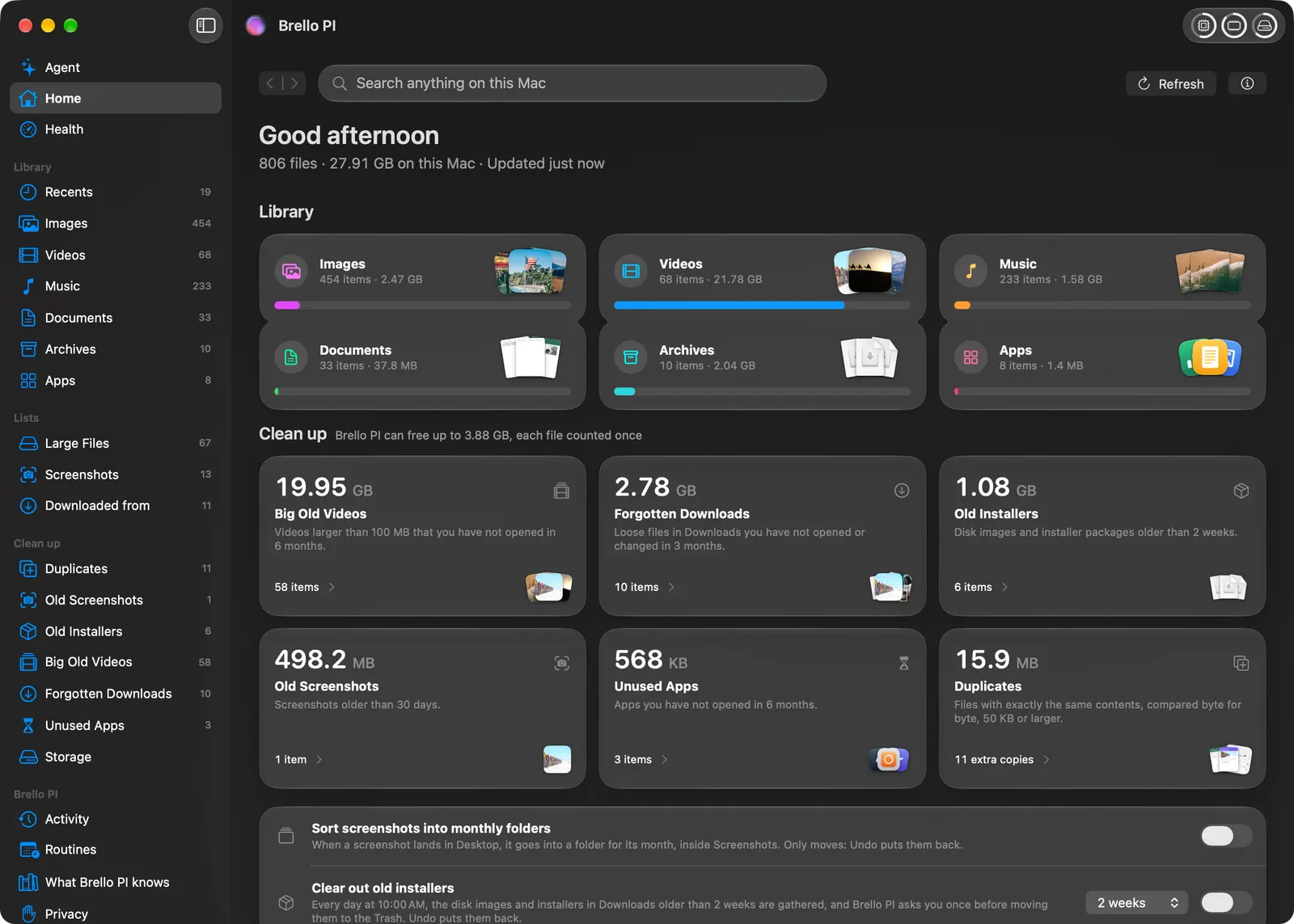
Introducing Brello for Mac
Native intelligence for your Mac: Home for your files, Mac Health, Clean up, settings by asking, and an agent that does the busywork, on Apple’s on-device model.
3 min read
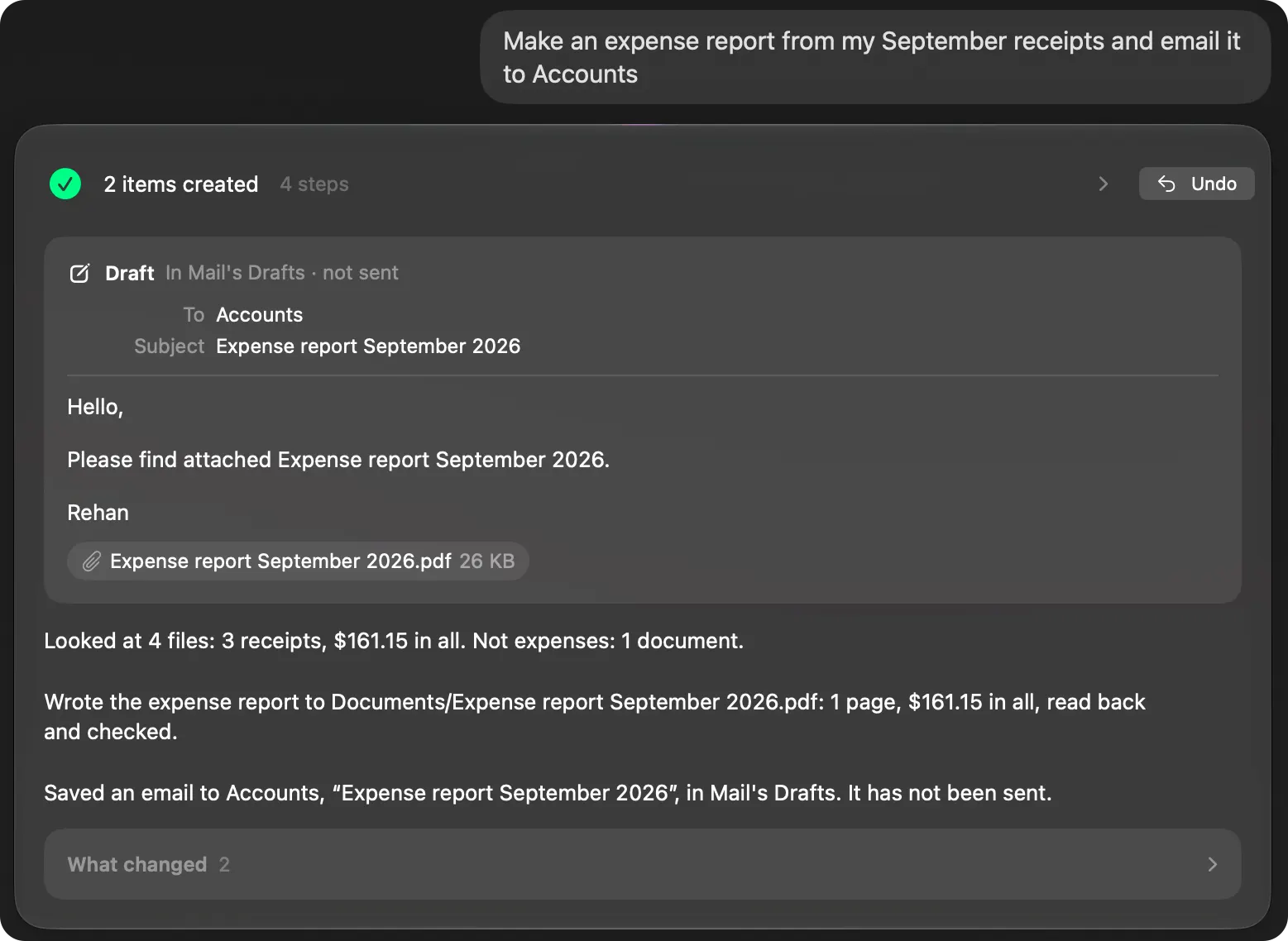
One sentence, finished work
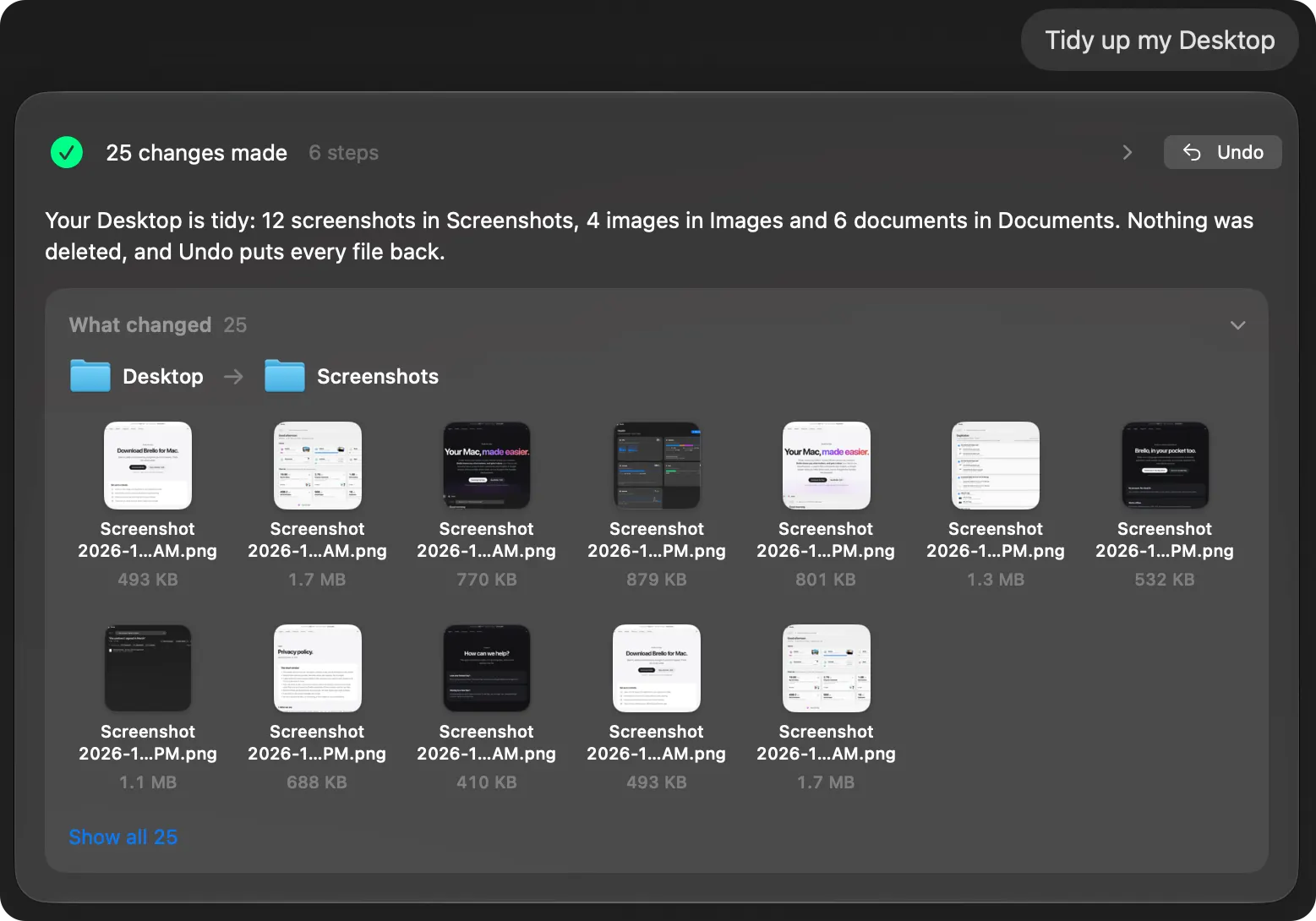
Ask a chatbot to tidy your Desktop and you get a list of steps. Ask Brello PI and your Desktop is tidy, with every file’s new place shown and Undo for all of it.
5 min read
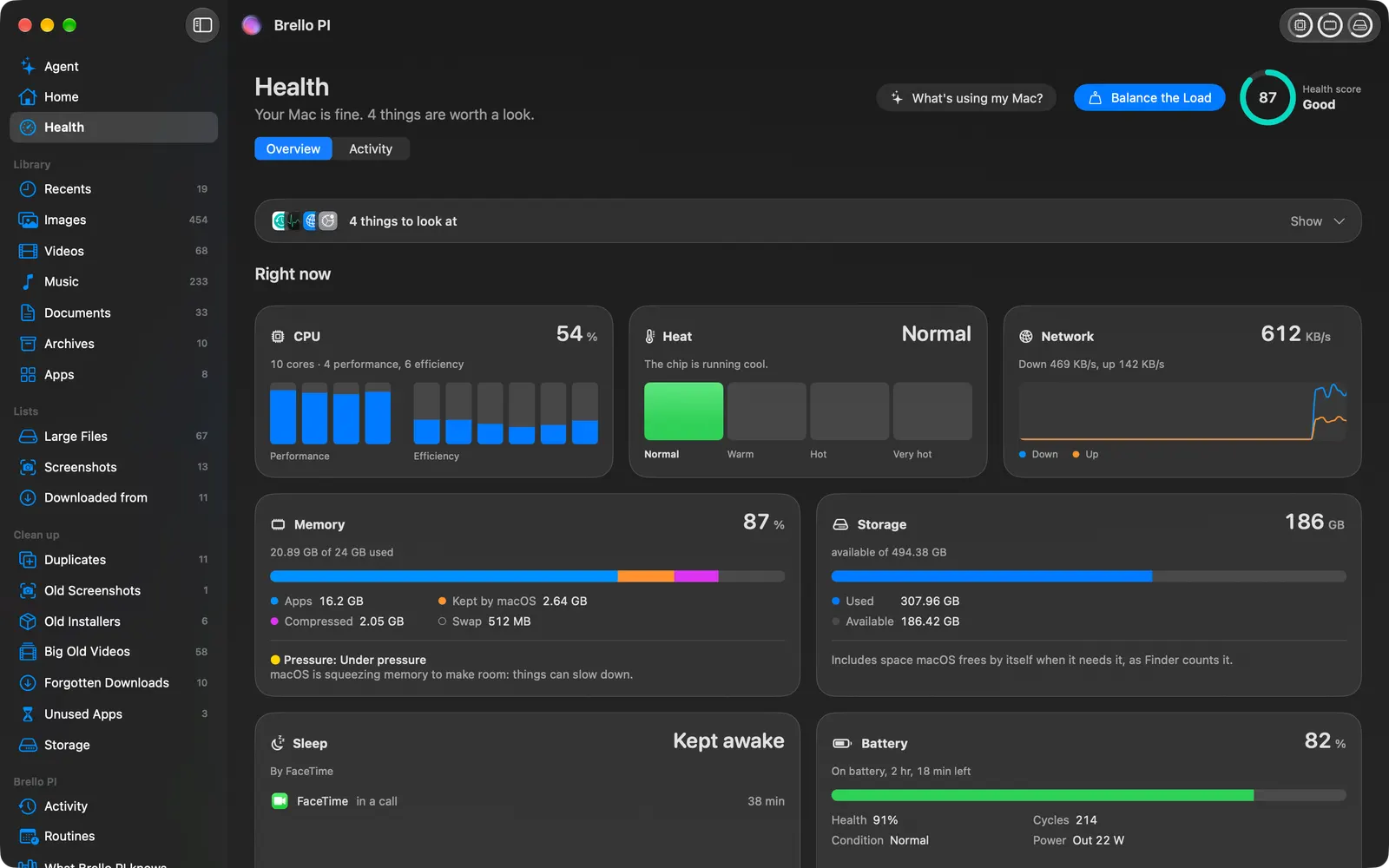
Know your Mac’s health in one number
Brello PI’s Health page reads your Mac every second and says what it sees in plain words, under one score worked out in the open. Here is exactly how it’s worked out, and what one click does when it drops.
6 min read
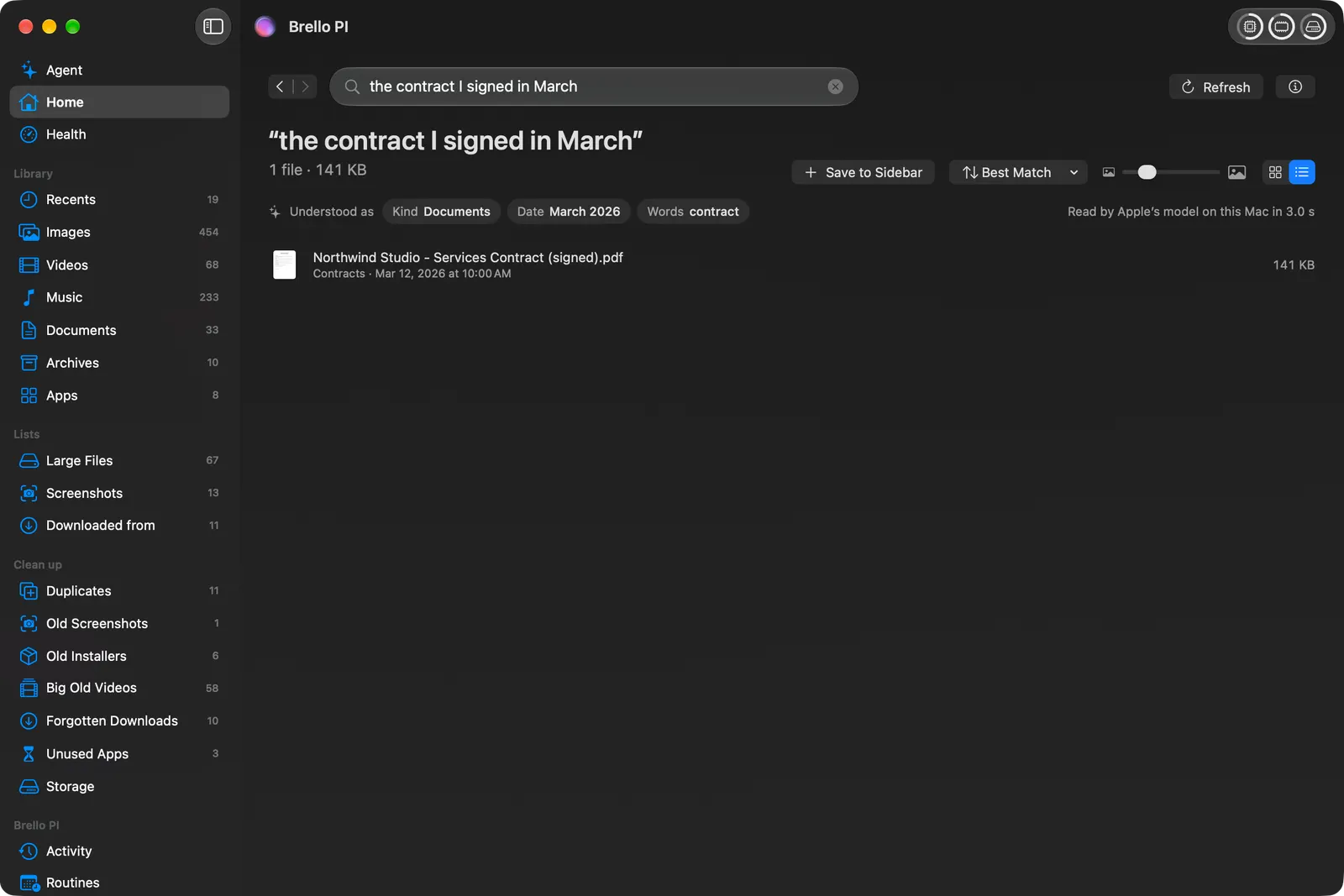
Every file on your Mac, found by what you remember
Finder shows you folders. Home shows you what you have, finds a file from a half-remembered sentence, and tells you where every download came from.
4 min read
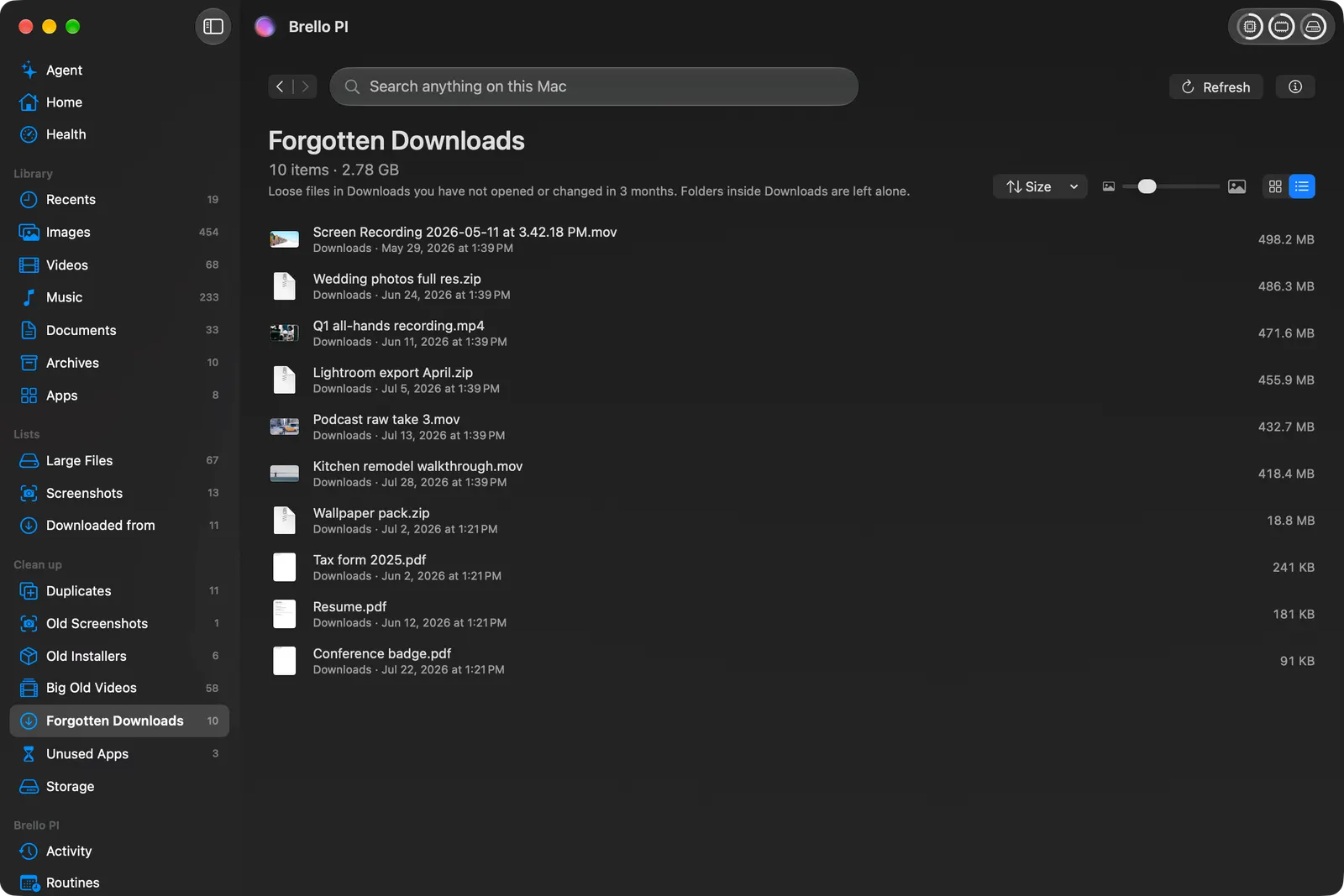
Clear out what you don’t need, one named file at a time
Clean up’s lists each follow one plain rule, measured on your Mac. Duplicates are proven byte for byte. Nothing goes until you’ve seen it, and what goes can come back.
4 min read
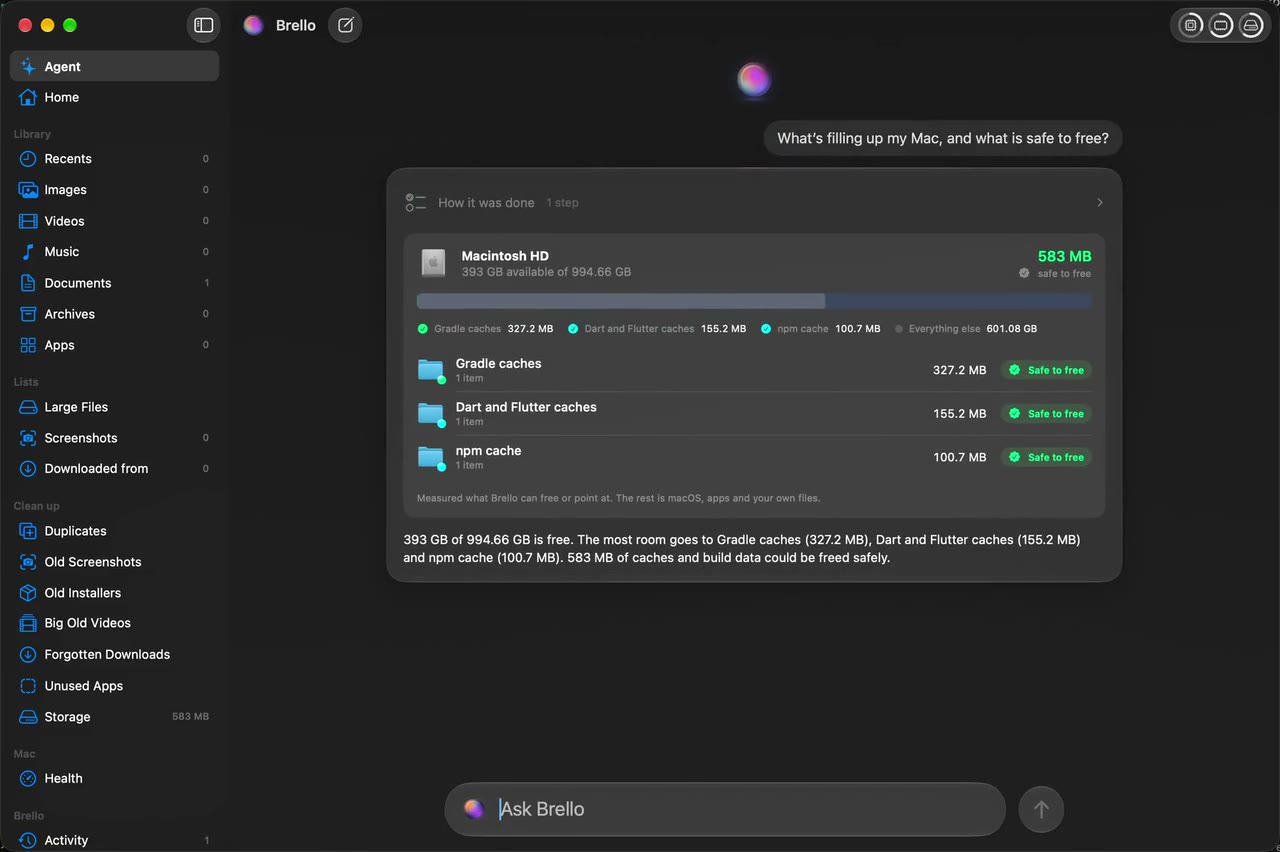
What’s really filling your Mac
Storage measures every kind of file on your Mac, counts free space the way Finder does, and marks what apps make again as safe to go, so you can tell what’s really yours.
4 min read
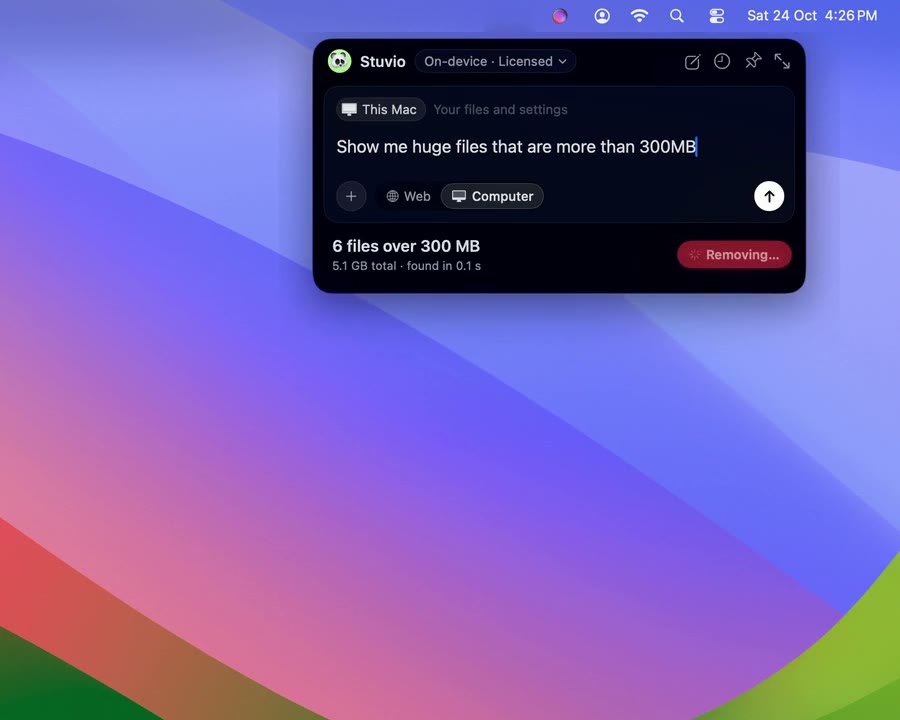
Your Mac, one keystroke away
Press Option-Space in any app and Brello PI drops from the menu bar: files as you type, your last ten downloads, and requests answered right there.
4 min read
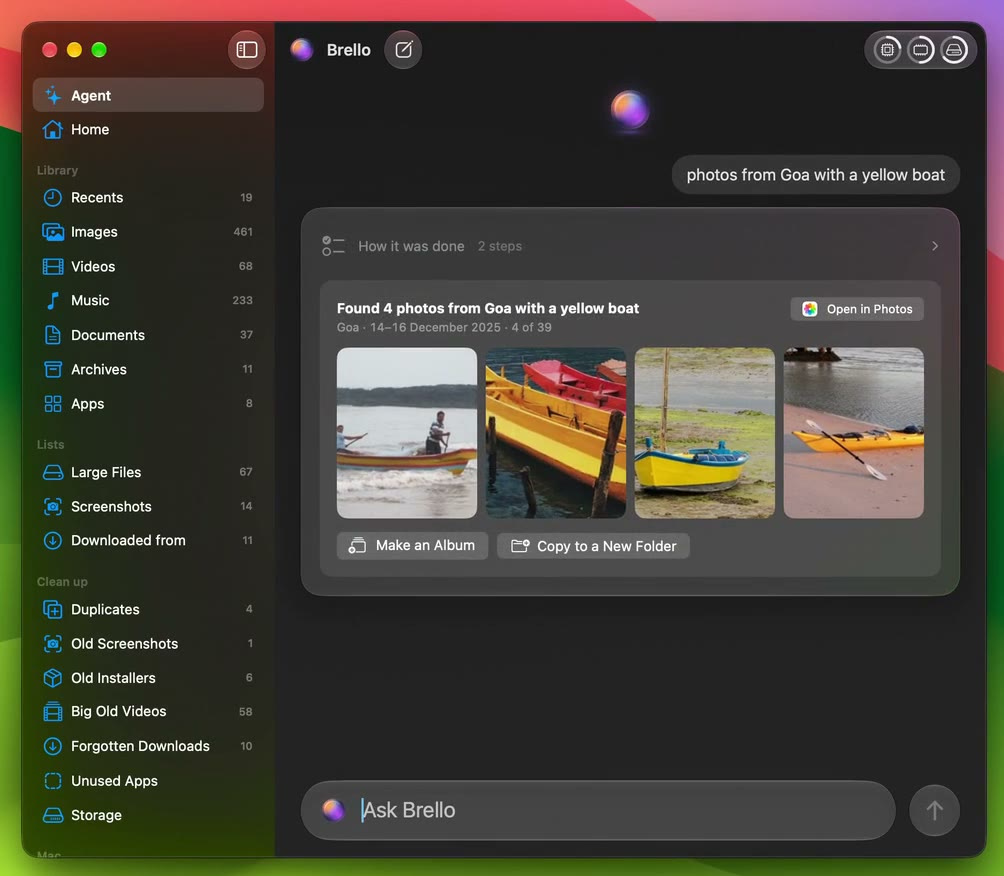
Find a photo by what was in it
Type “photos from Goa with a yellow boat” and Brello PI reads the place, the time and the things in your words, looks through your library on your Mac, and shows you the four that match.
3 min read
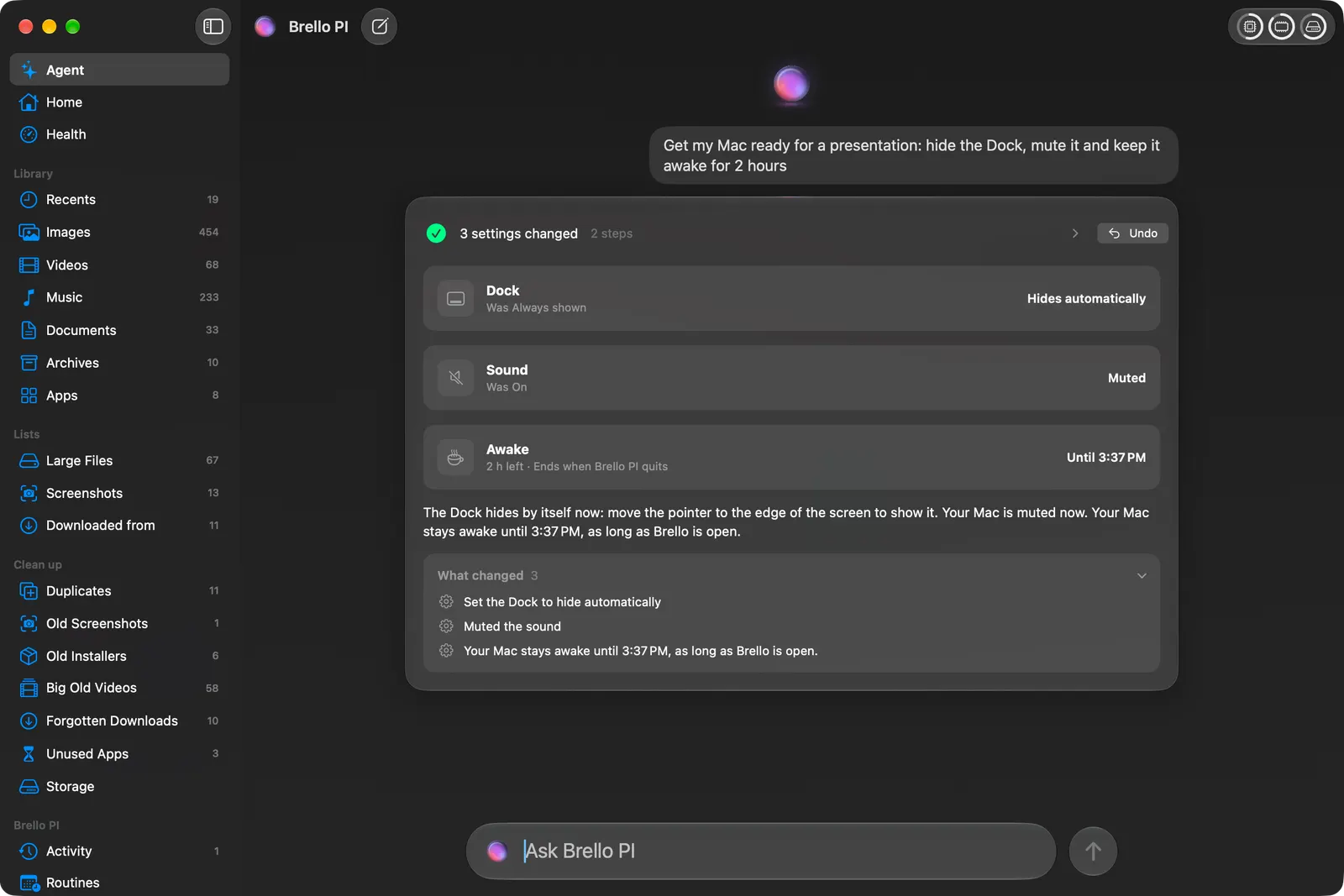
Set up your Mac in one sentence
“Get my Mac ready for a presentation: hide the Dock, mute it and keep it awake for 2 hours.” Brello PI makes each change itself, reads it back from macOS, says only what macOS reports, and one Undo puts them all back.
5 min read
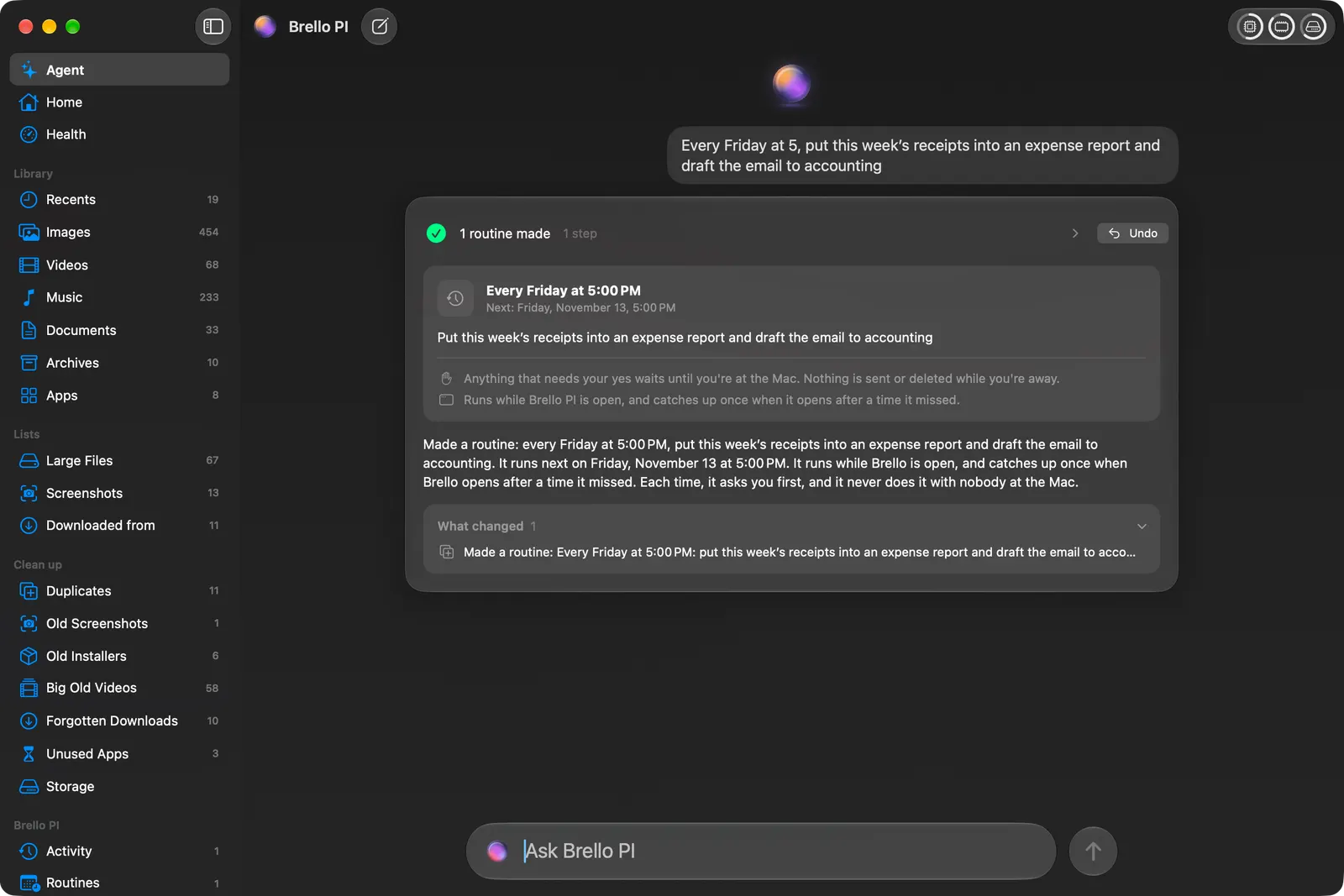
Routines: the work you’d ask for every week
Anything you can ask once, you can ask for on a schedule or when a file lands, in your own words. And two tidy rules keep screenshots and installers in order without a word.
4 min read
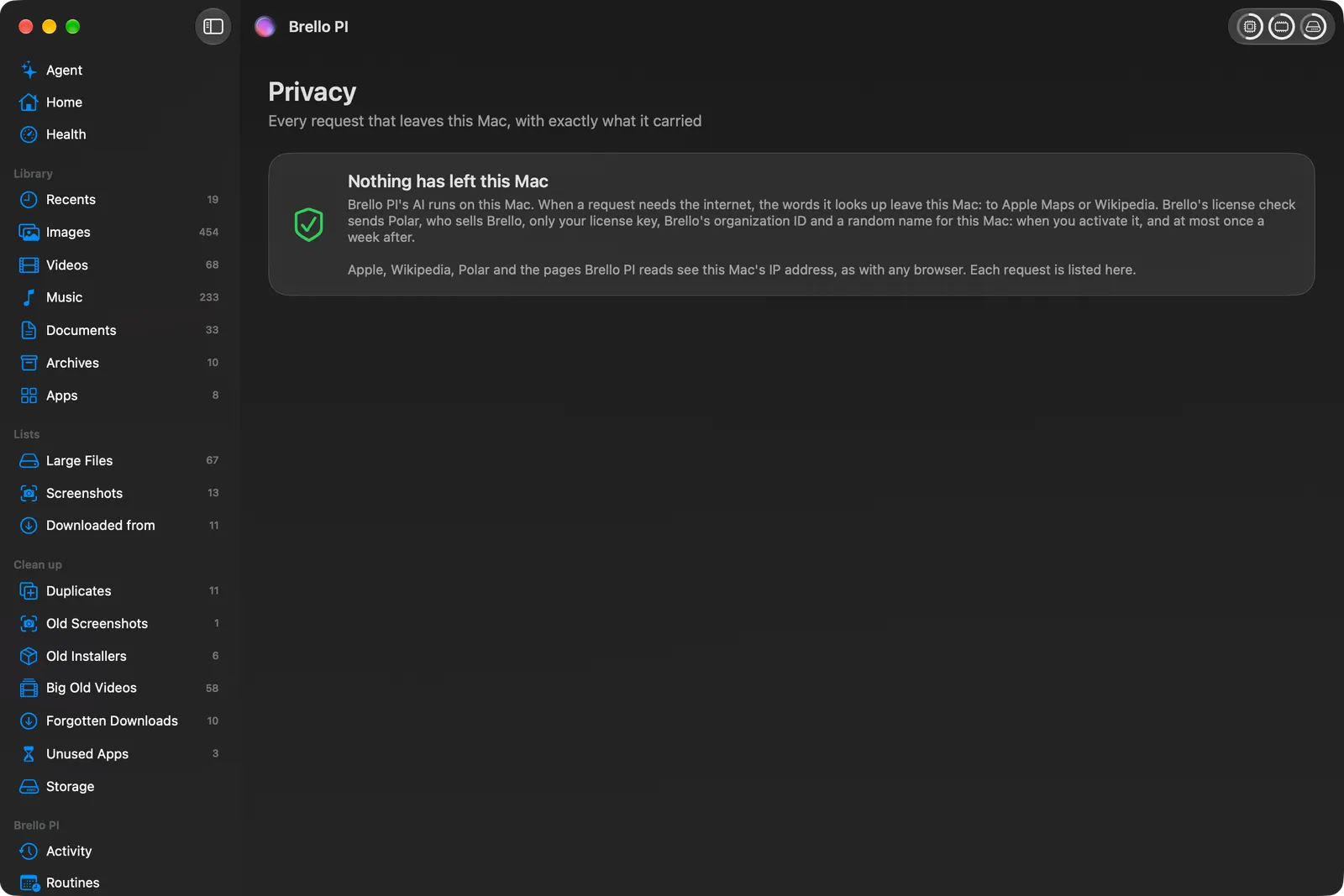
Every request that leaves your Mac, written down first
Brello PI thinks with Apple’s on-device model and keeps your files, their names and your Mac’s history on your Mac. When it does go online, its Privacy page lists the request before it leaves.
4 min read
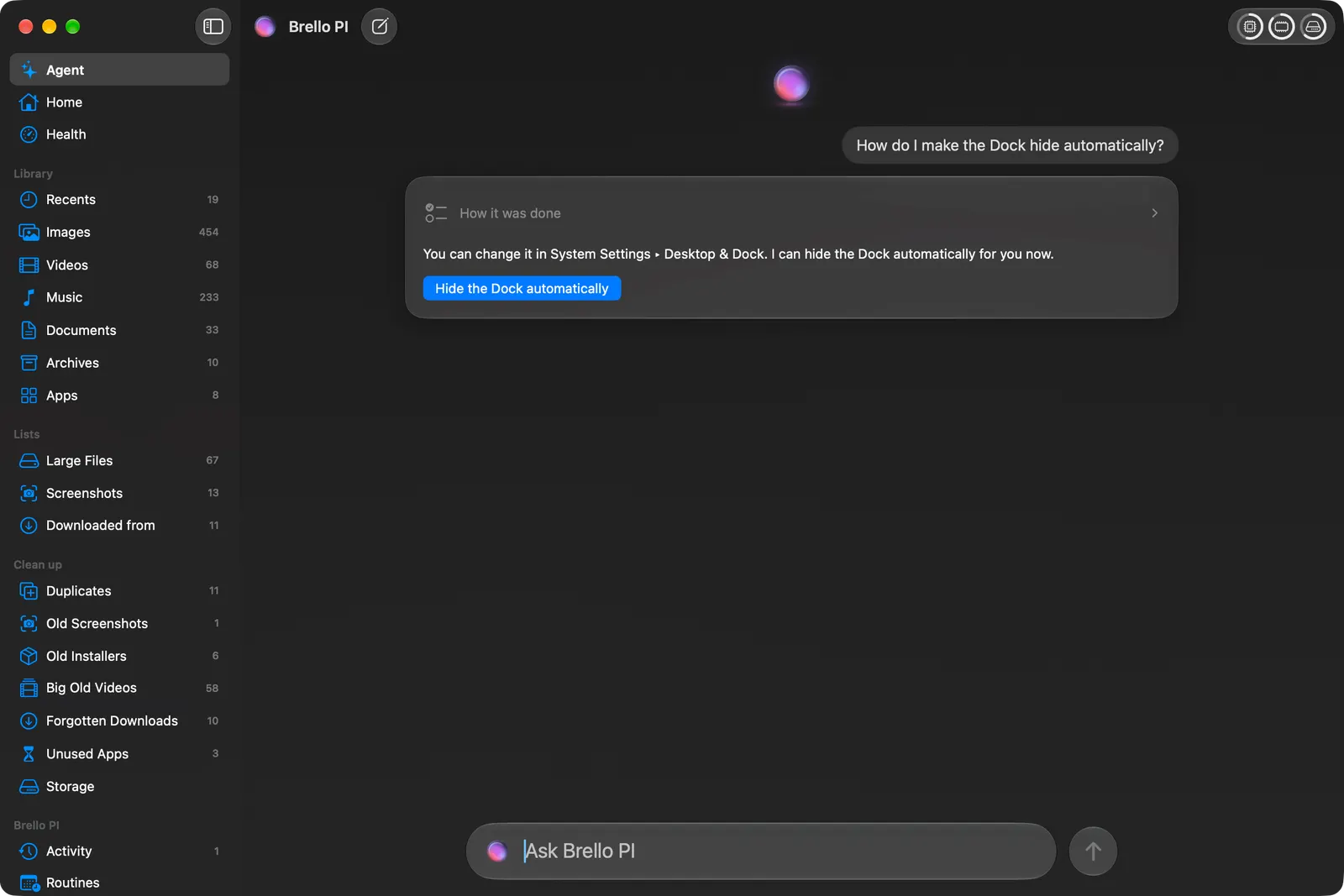
What Brello PI answers itself, and when Safari takes over
Most of what you ask Brello PI is about your Mac, and it answers on your Mac. For the open web, it hands your words to Safari and your own search engine, and writes that down first.
4 min read
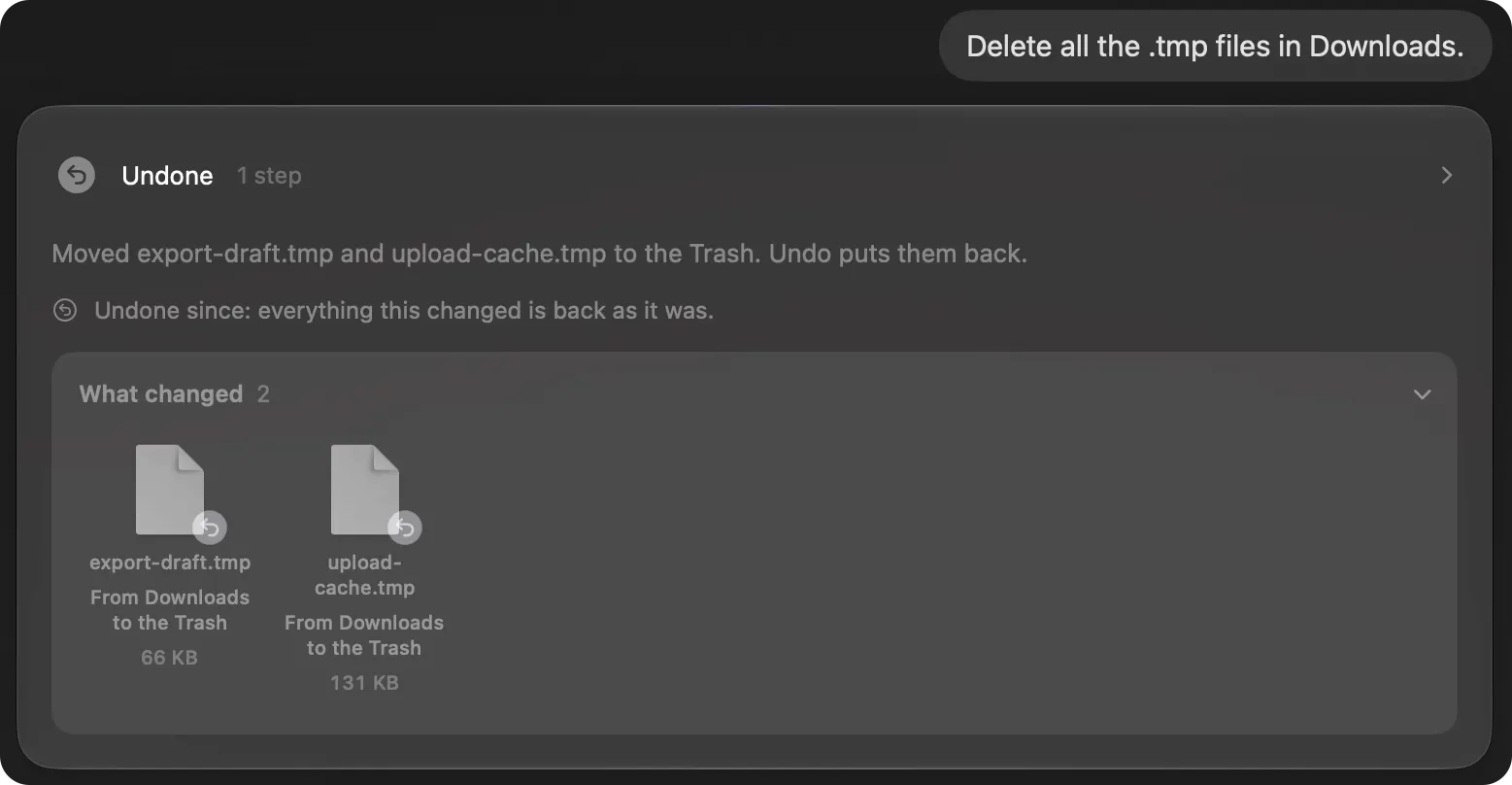
Ask first, then Undo: handing your Mac to an agent safely
An agent that moves real files has to be one you can trust with them. Brello PI shows exactly what will change, waits for your yes before anything risky, and keeps Undo for every change it makes.
4 min read
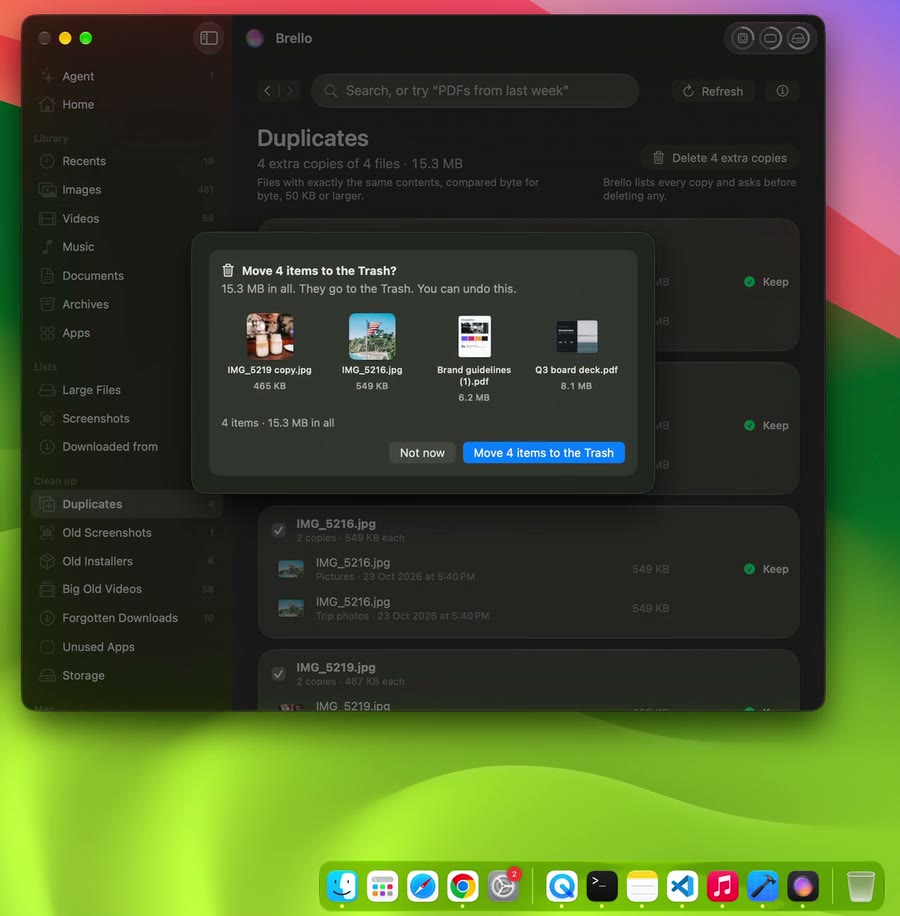
How Brello stays smooth on a busy Mac
The page that shows what’s busy was the busiest thing on the Mac, and a home of 81,652 files froze the window. What we measured, what we changed, and the numbers before and after.
7 min read
Research and engineering
- EngineeringBalancing the load on a Mac
One click moves your own heavy background work onto the efficiency cores and, only on your yes, quits apps you haven’t used. How it chooses, the public call that does it, why its first read-back lied, and what it never touches.
- ResearchHow we test Brello
Four layers, each played on the real product: 310 first requests on both paths, 353 scenarios in 1,301 phrasings on a same-shape copy of a lived-in Mac, every page and control in the app itself, and 2,475 package tests.
- EngineeringSmall things that make a Mac app belong on a Mac
Text that drew upside down, a click that waited on a model, a spinner that cost frames, and files that now fall into the Dock’s Trash. The fixes nobody lists, and how each is held by a test.
- EngineeringWhat a health page taught us about a busy Mac
The page that shows what’s busy was the busiest thing on the Mac. What we changed, why memory pressure beats memory used, what keeps a Mac awake, and why every sentence on it is written by code.
- ResearchThe first ten minutes
We wrote down 166 things a new person types first, played each on the real product, and scored what it changed. The first run handled 76 well. The suite now holds 310 cases, and passes every one, on the command line and in the app.
- EngineeringCode first, model second
Brello PI reads what code can read, such as apps, dates, settings and routing, and asks Apple’s on-device model only for language. What the model is trusted with, what it never is, and what that costs in time.
- EngineeringPrivate by construction
One module may reach the network, and a test reads every source file on every build to keep it so. Every request is written to a ledger before it leaves, and carries only the words you typed.
- ResearchUndo everything
Risk is decided by code: five tiers, one question for the whole plan, deleted files moved to the Mac’s Trash, and an undo checked byte for byte. On 65 tasks played three times, every run that changed something was put back.
- ResearchReading time the way people write it
“10/16” is October 16 in the United States and nonsense in Britain. How Brello reads days, times and money in code, by the Mac’s region, and says what it can’t read instead of guessing.
- EngineeringA Finder that understands you
Home finds files by sentence, proves duplicates byte for byte, and groups downloads by where they came from. And the work that took the window from 6.5% of the processor at rest to under 1%.
- EngineeringSettings by asking
Say “turn on dark mode” and Brello changes it, reads it back from macOS, and offers Undo. Which settings an app may change, which it may not, and how each change is proven.
- System cardBrello for Mac system card
What Brello for Mac does and doesn’t do, the evaluations it was held to and their results, its known limits, what it needs to run, and what it never does with nobody at the Mac.