Does it work on my Mac?
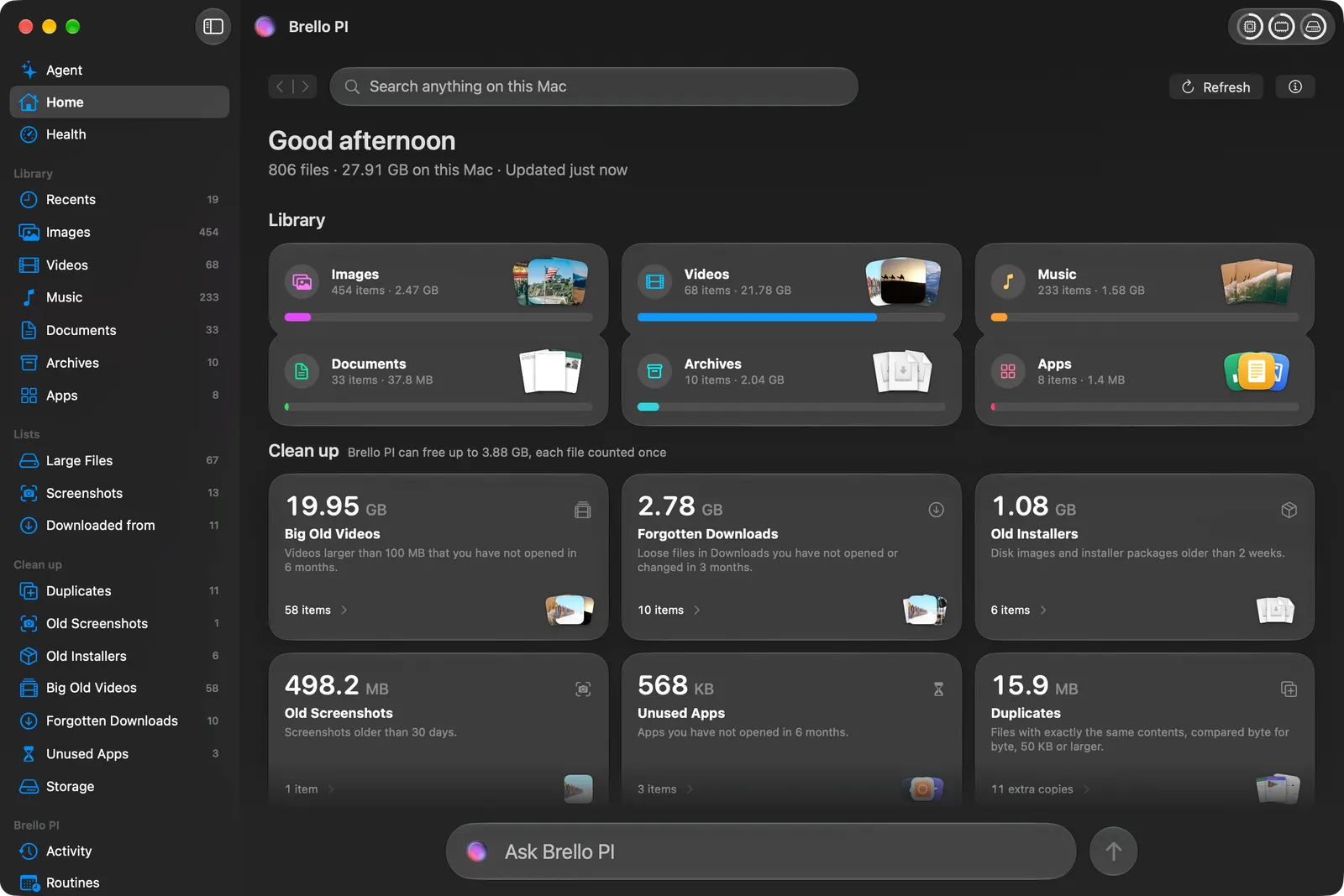
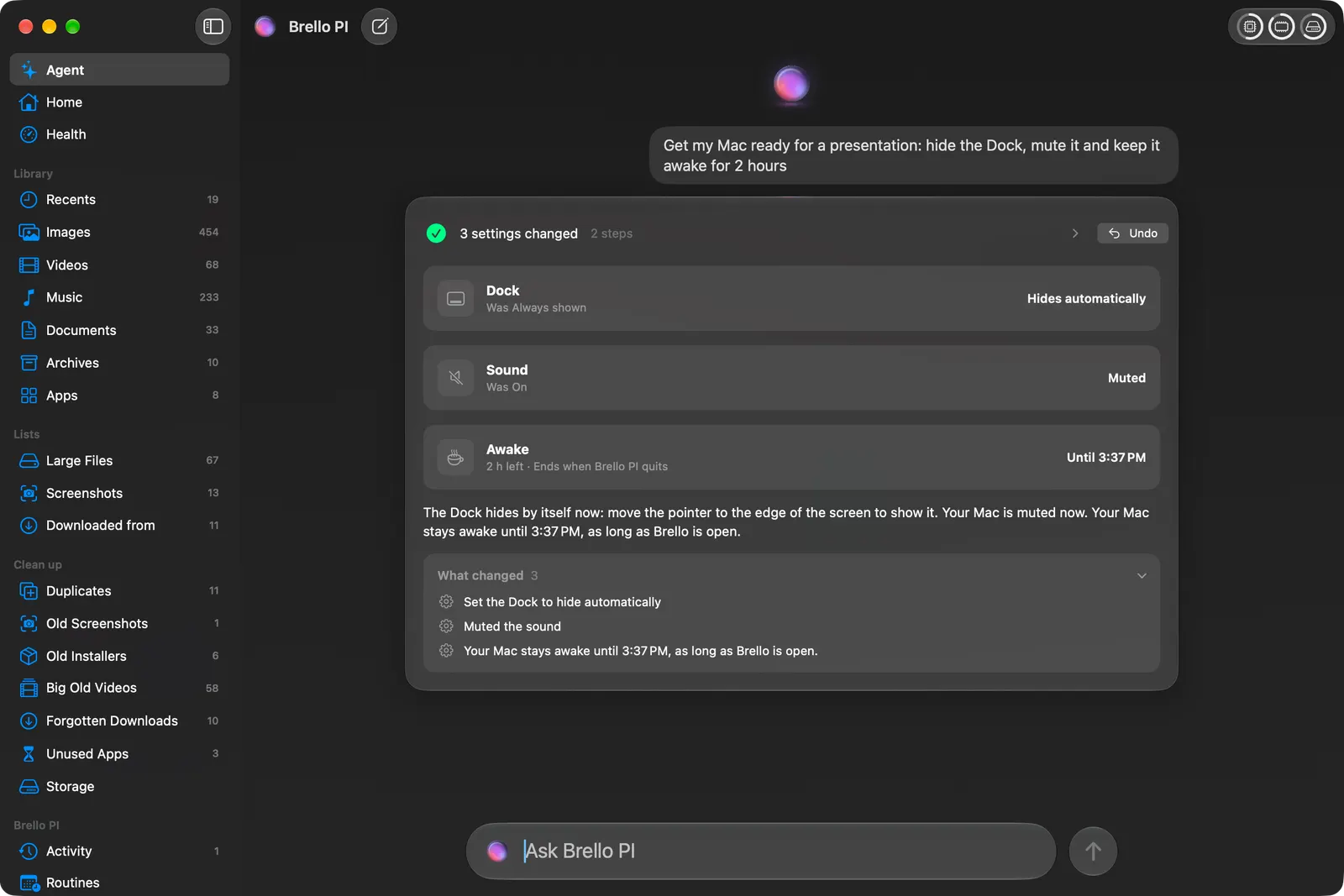
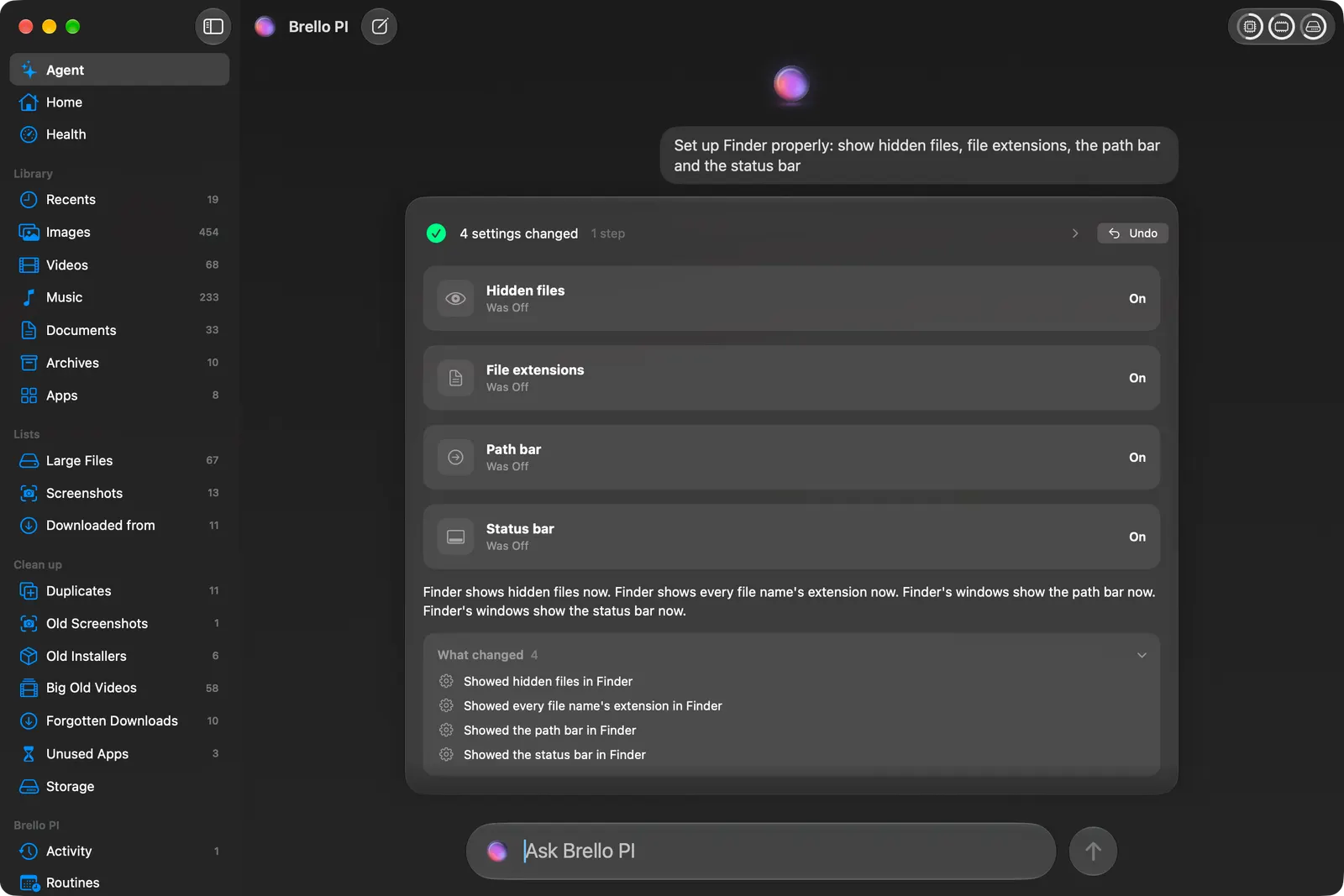
Yes, if it runs macOS 14 or later, on Apple silicon or Intel. Home, search, Clean up, Health and Quick Search work on every one. The agent, which hands off work and changes settings when you ask, needs an Apple silicon Mac with macOS 27 and Apple Intelligence turned on.
Is there a free trial?
No. Instead, if Brello PI isn’t right for you, ask for a refund within 30 days of buying. You don’t need to give a reason, and Polar returns your payment.
Does Brello PI replace Finder?
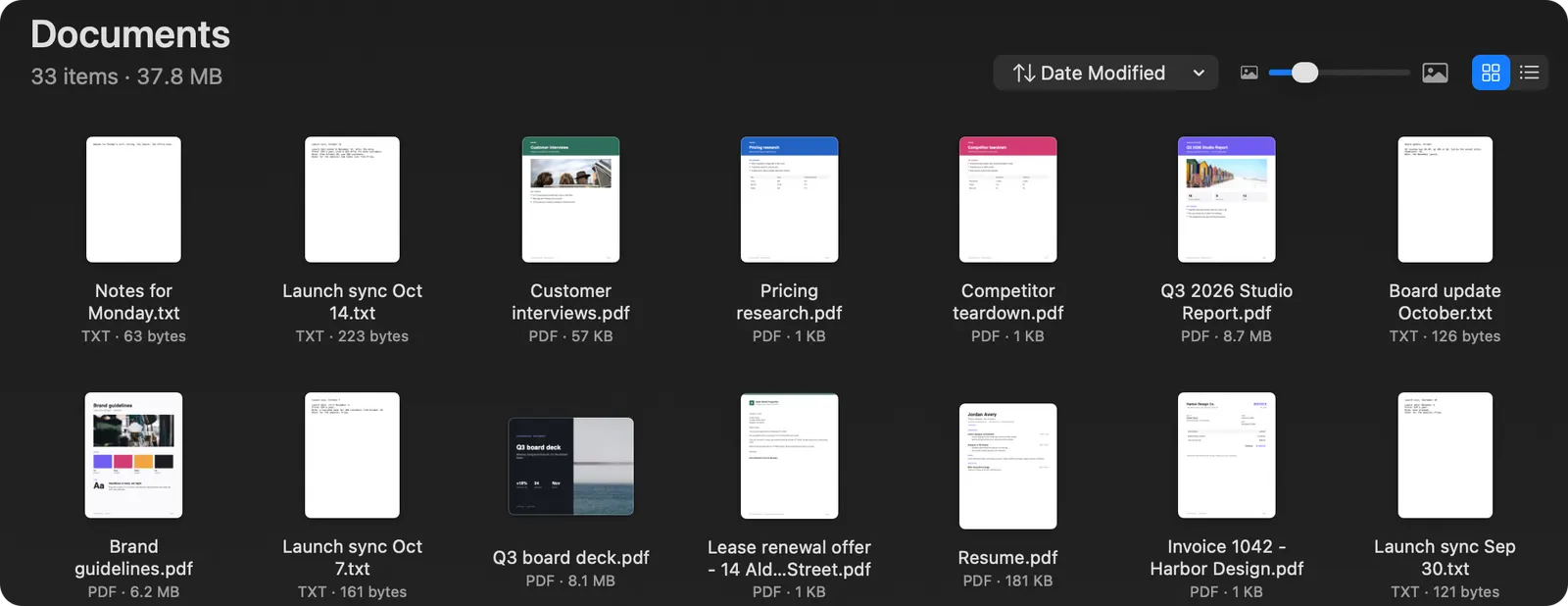
No. Brello PI works beside Finder and shows the same files. Show in Finder is one shortcut away (⇧⌘R), and Brello PI keeps Finder’s keys wherever Finder has one.
Do my files leave my Mac?
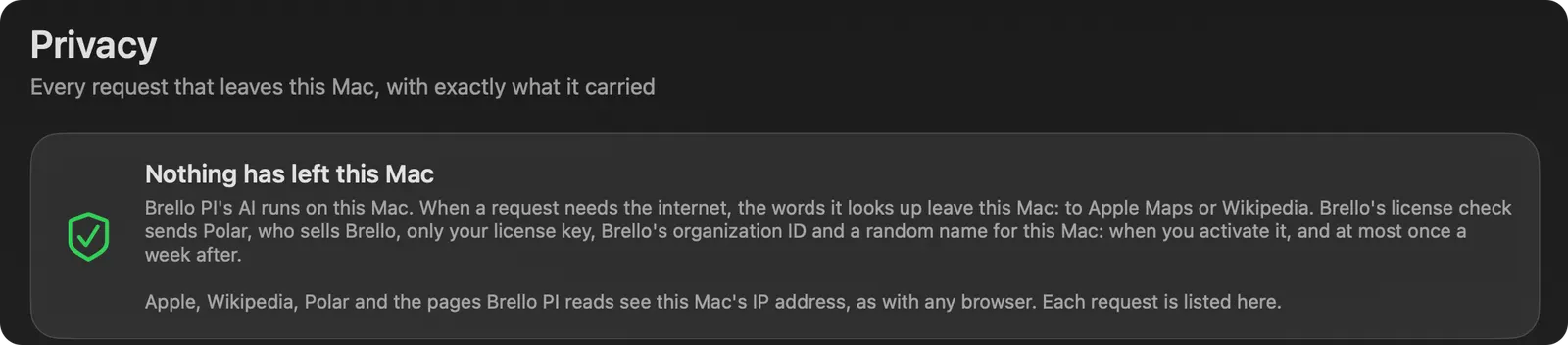
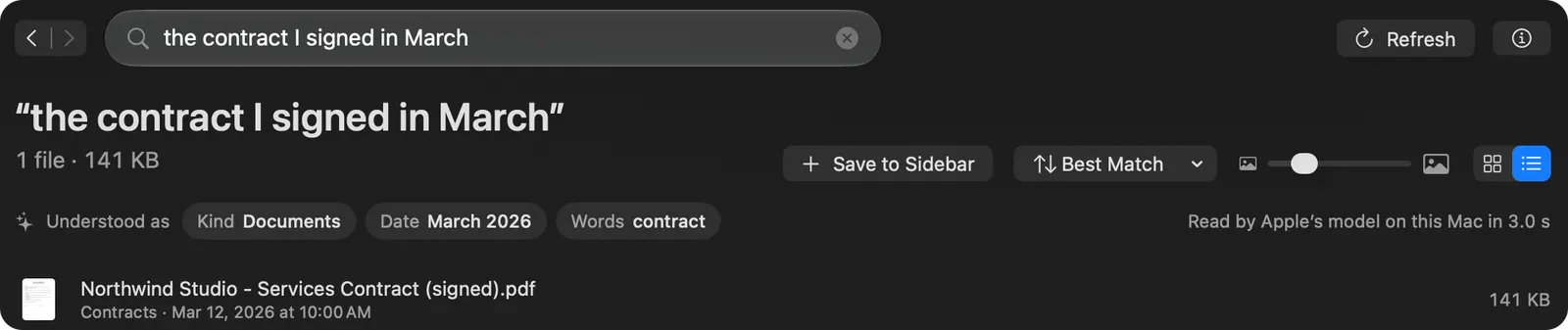
No. Brello PI reads and changes your files on your Mac with Apple’s on-device model, never Apple’s cloud model or any other company’s AI. We never receive your files, and Brello PI doesn’t learn from them.
Why does Brello PI ask for access to my folders?
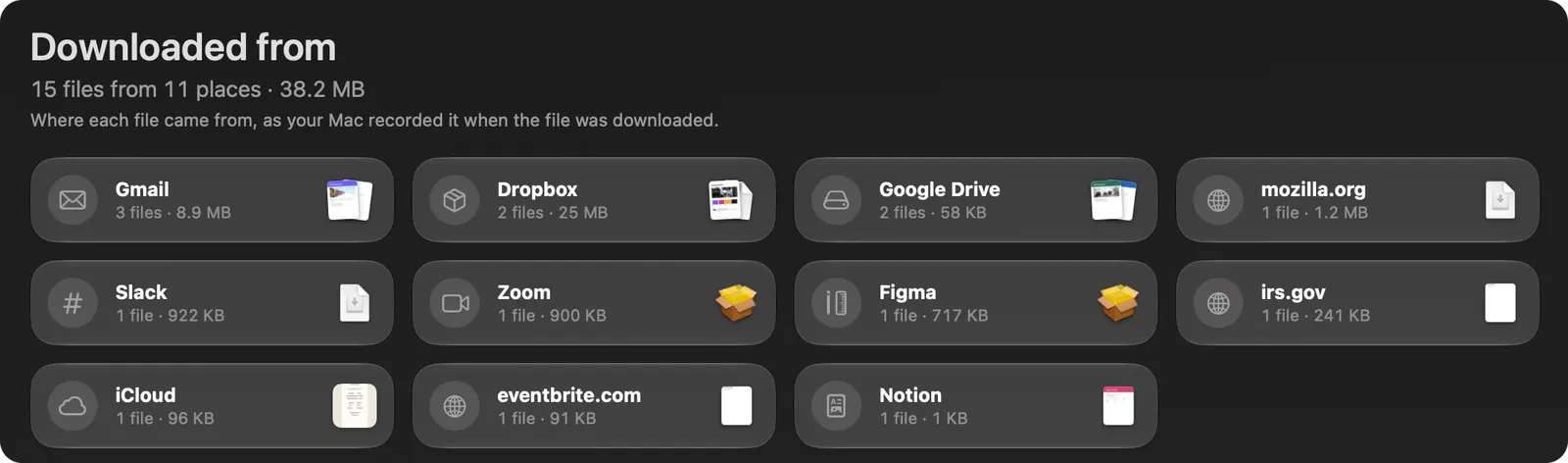
macOS asks you to approve Desktop, Documents and Downloads. Brello PI needs them to show, search and change your files on your Mac, and it shows what it reads before it reads anything. A few things ask once more, only when you use them: Automation when you change a setting like dark mode, Accessibility to read text you’ve selected (locking the screen may ask for it too), and Full Disk Access if you want all your storage measured. Nothing is uploaded.
Will it delete my files?
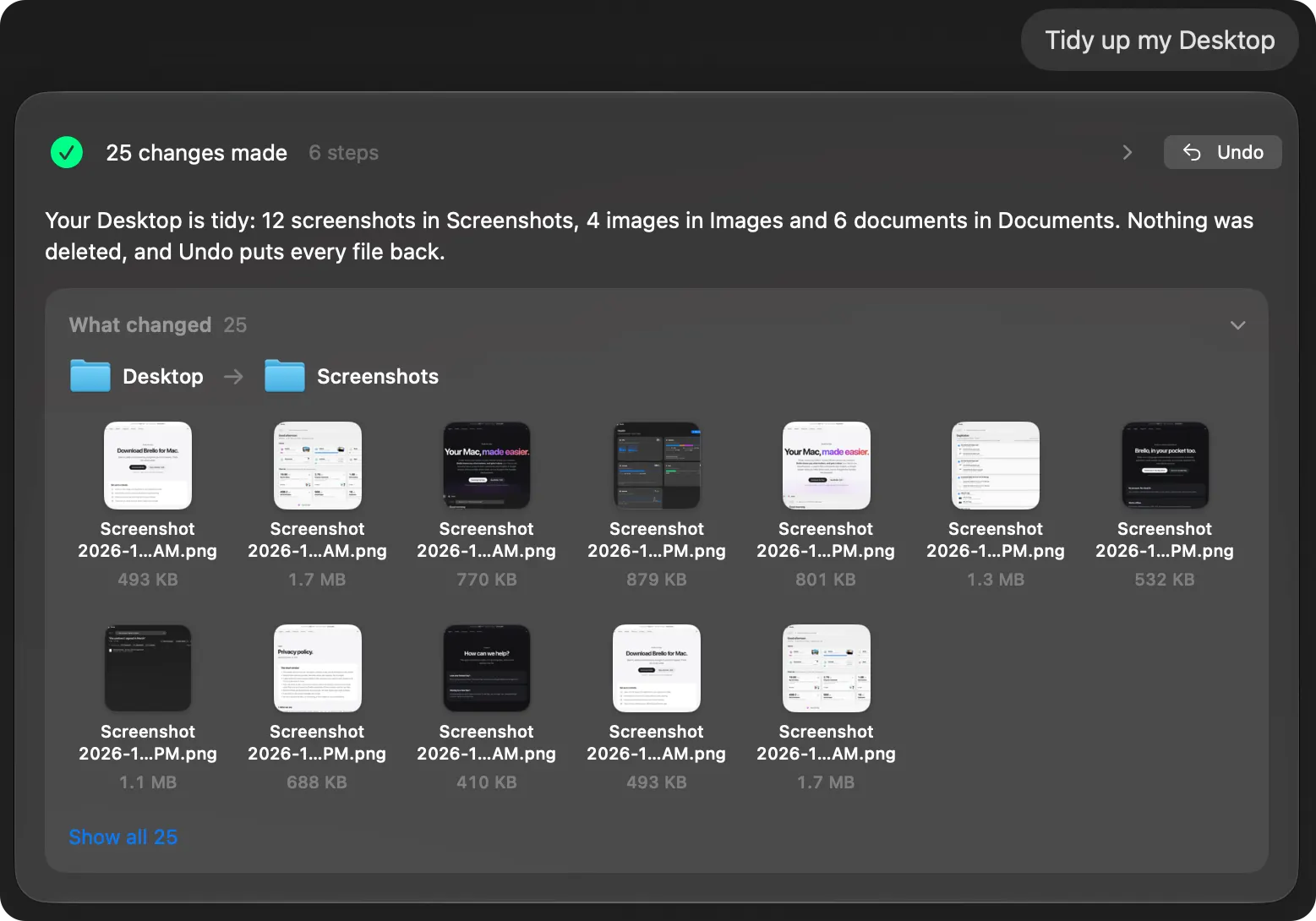
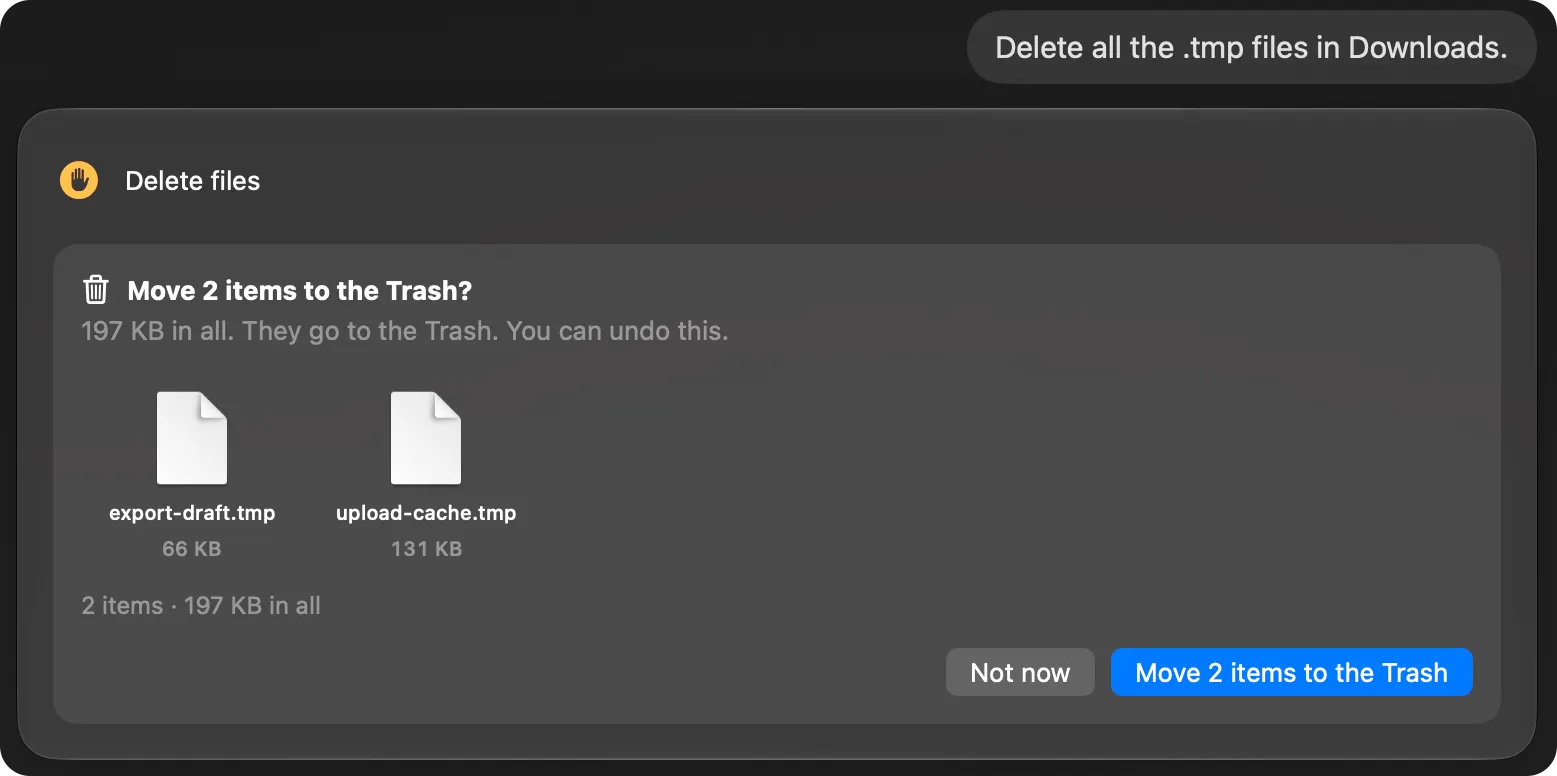
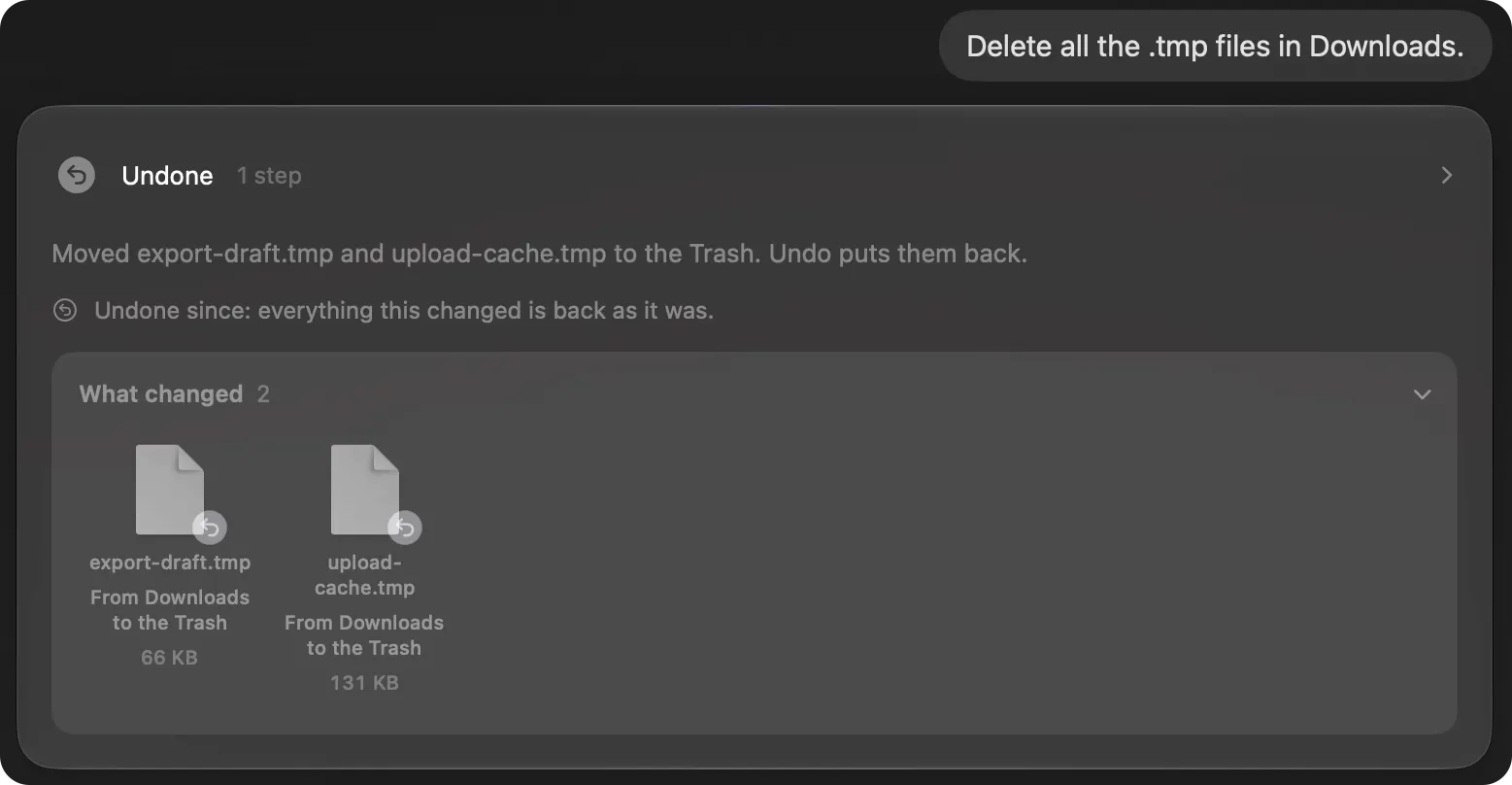
Only after you say yes to a question that names every item. Deleted files go to your Mac’s Trash, just as Finder moves them there, and Undo brings them back. The one thing Undo can’t reverse is emptying the Trash, so Brello PI asks first and says how many items and how much. With nobody at the Mac, it deletes nothing.
What if the agent gets something wrong?
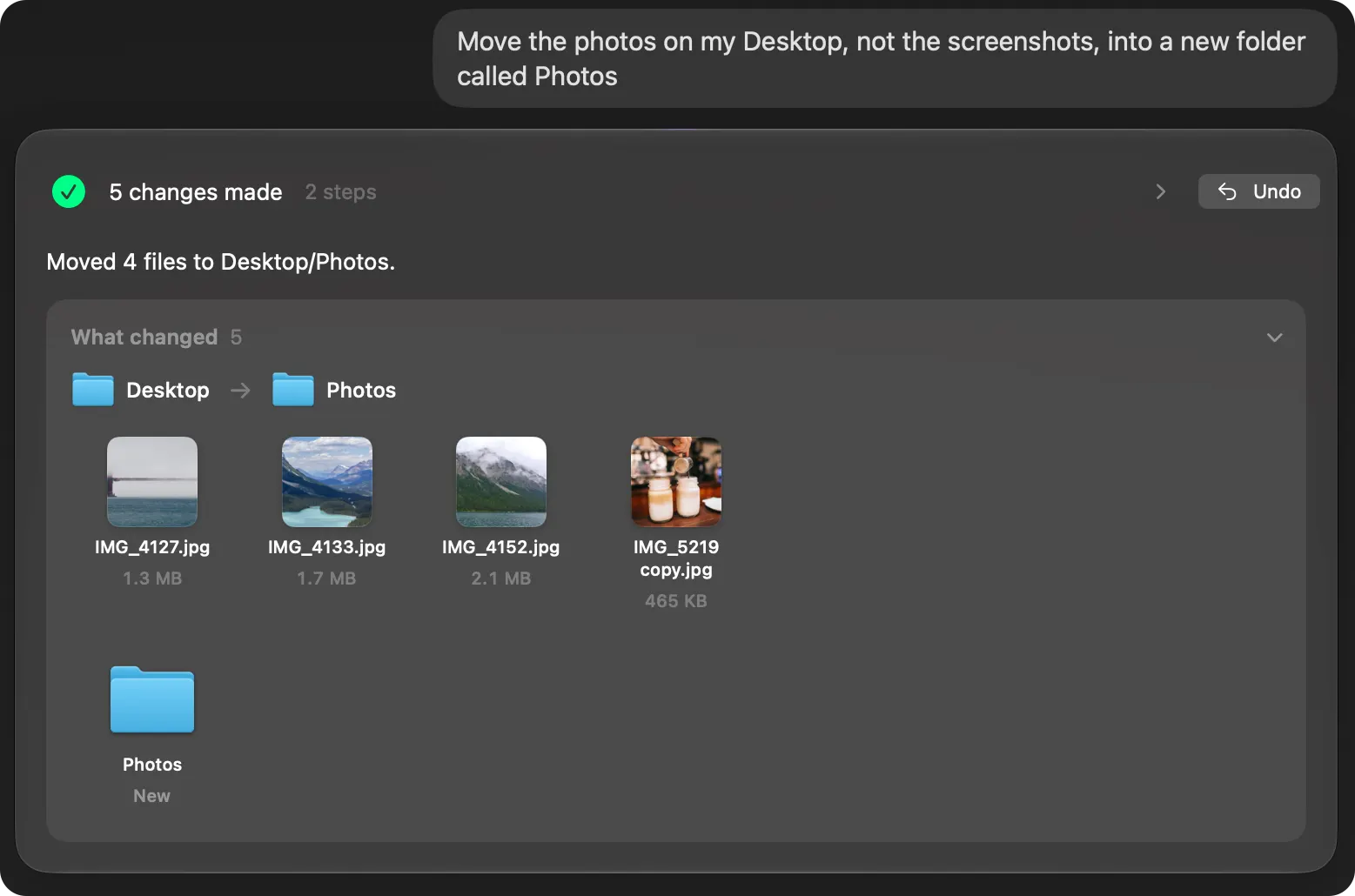
Before anything risky, Brello PI shows exactly what will change and waits for your yes, and code checks each step rather than trusting the model. Everything it did is in Activity (⌘5), with Undo. Its answers can still be wrong, so check anything important.
Is it a subscription?
No. You pay once and it’s yours to keep: $20 at launch, then $50.
How many Macs can I use it on?
Up to 3 at a time, all in the one price. On a Mac you no longer use, choose Settings ▸ License ▸ Move to Another Mac to free its place.
Can I get a refund?
Yes, within 30 days of buying. Email hey@brello.ai and Polar returns your payment. You don’t need to give a reason.
Where is my license key?
In your purchase at Polar. The email Polar sends after you buy links straight to it.
Does it work offline?
Yes. Everything on your Mac works offline, and your license has no offline time limit: it stops only if Polar says the key is no longer valid. Lookups on the web need a connection.
When does Brello PI go online?
For your license: when you activate it, then at most once a week while you let Brello PI go online. And for a lookup you ask for, like a place on Apple Maps or a fact from Wikipedia, after you say yes once. Every request is listed in Privacy.
Does it send email for me?
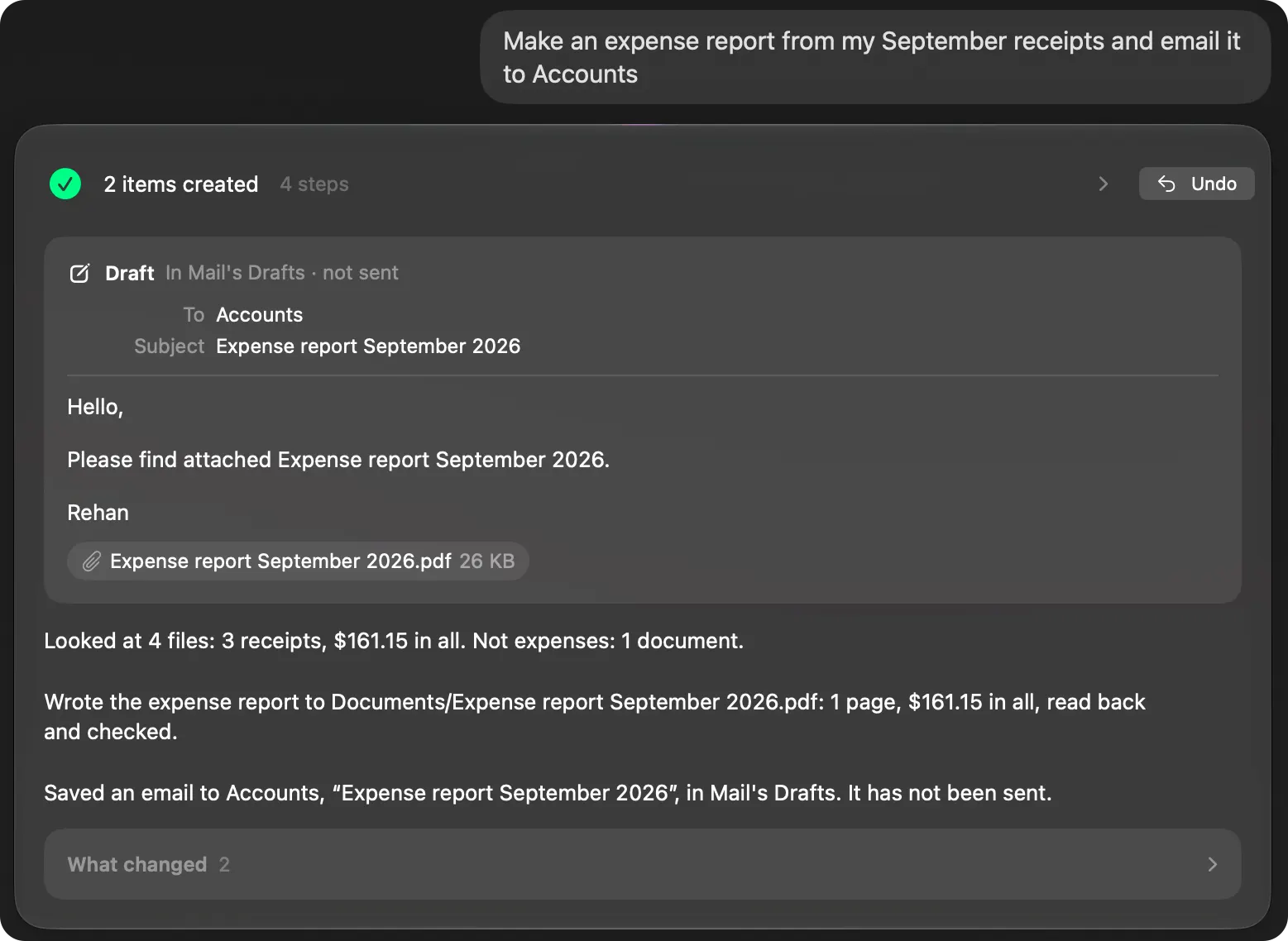
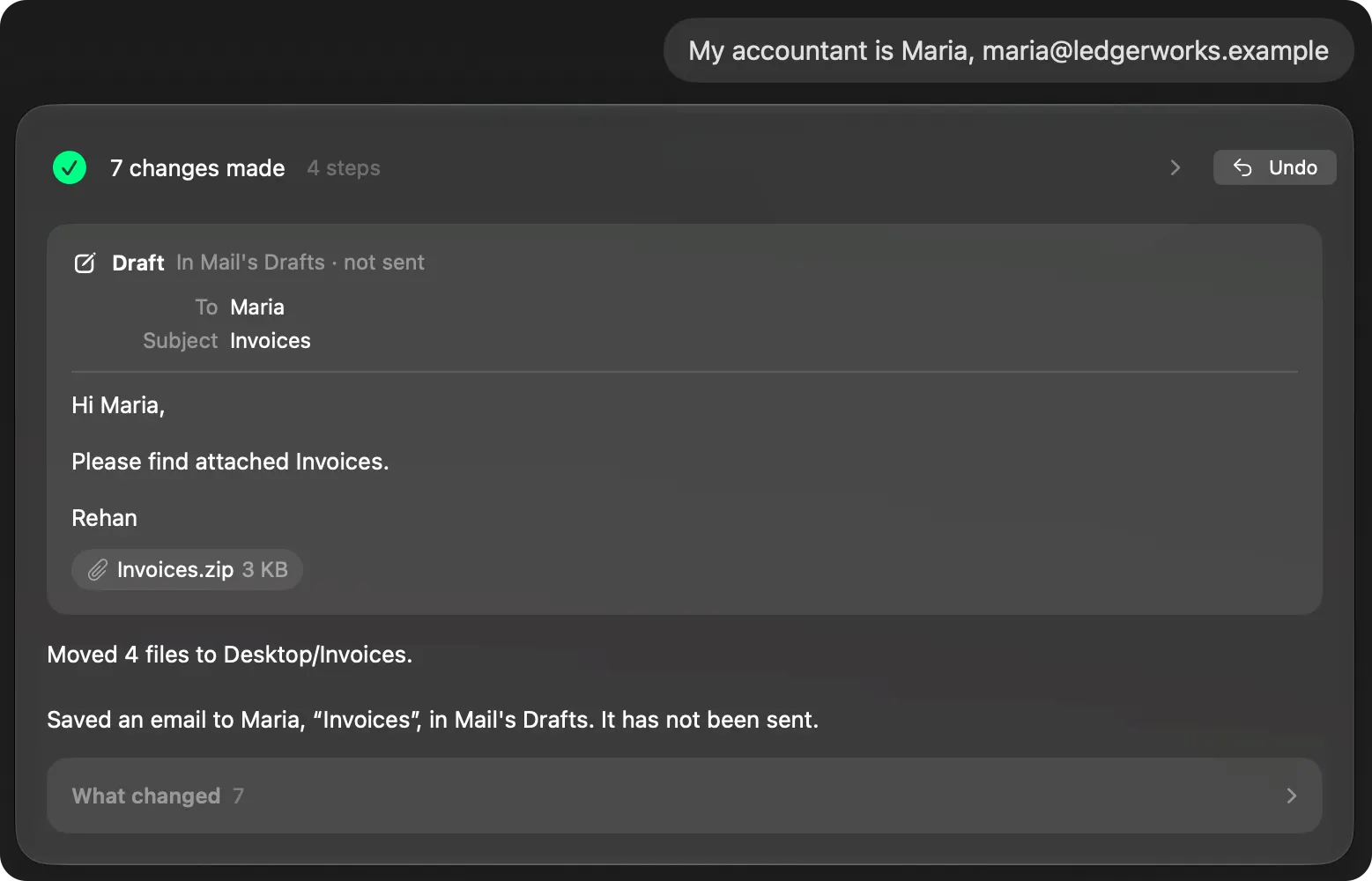
Brello PI writes the draft, with what it made attached, and Mail opens it ready to go. You send it yourself.
Is Brello PI made by Apple?
No. Brello PI is made by Stuvio. It uses Apple’s on-device model and Image Playground, built into macOS.







 Brello PI