Brello for Mac › Home and your files
Every file on your Mac, in plain sight.
Home sorts every file on your Mac by kind, finds one by what you remember, and shows where each download came from.
$20, one time · 30-day money-back guarantee, no reason needed
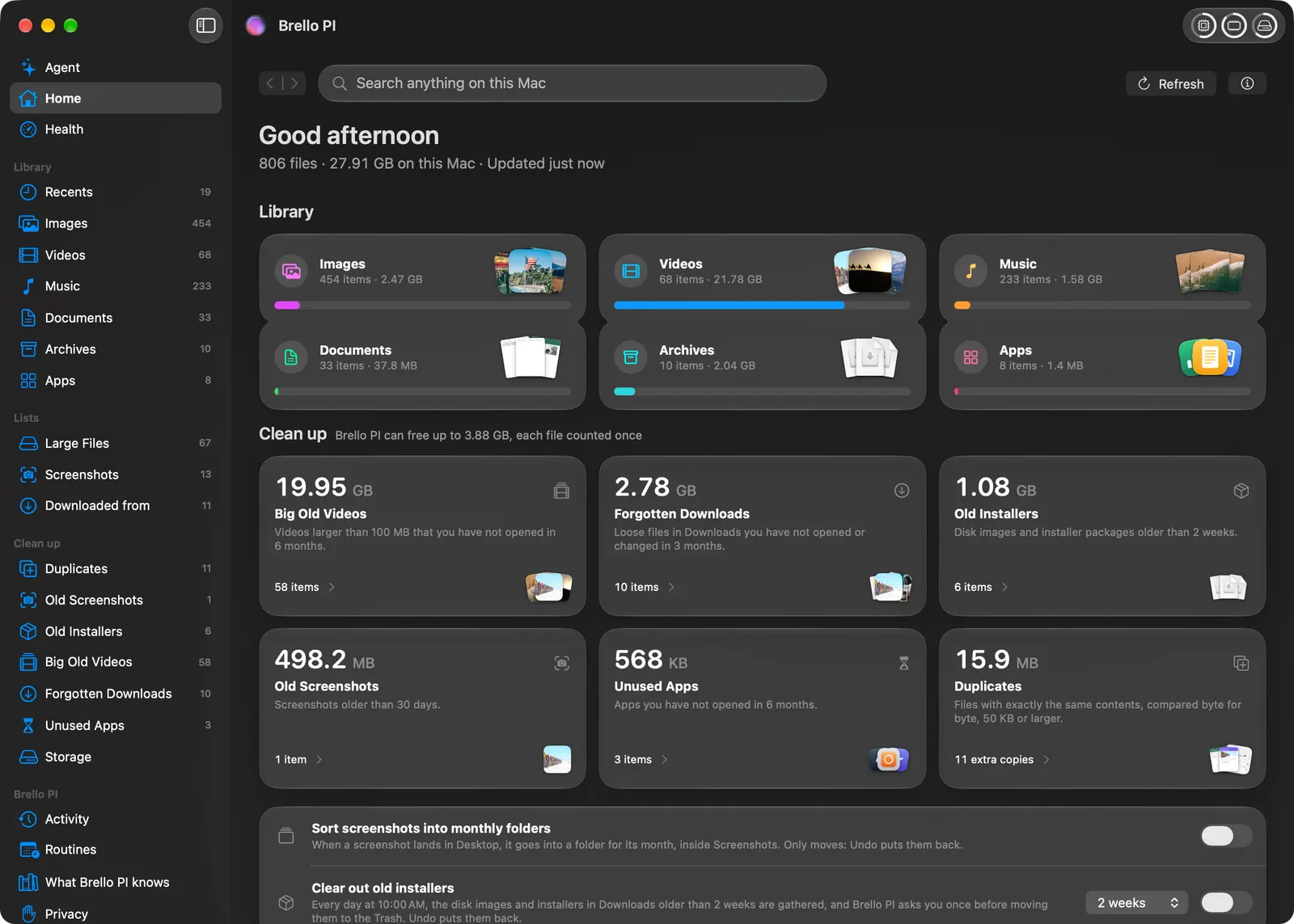
Search the way you remember.
Type “the contract I signed in March”. Brello reads it as a kind, a date and a word, shows how it read them, then the file. Press ⌘S to keep the search in the sidebar; it searches again each time you open it.
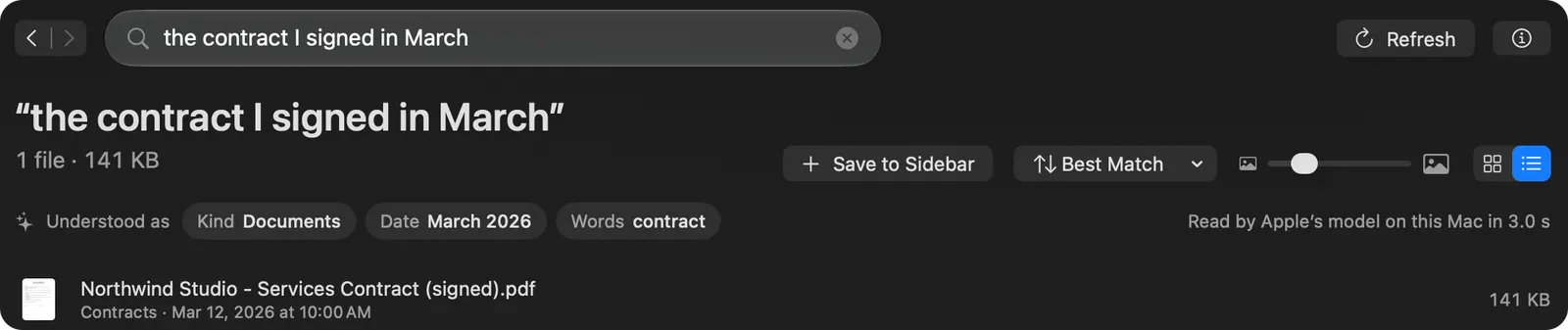
Every kind, sorted for you.
Images, videos, music, documents, archives and apps, each with its count and size. Documents show their first pages, videos a frame from each.
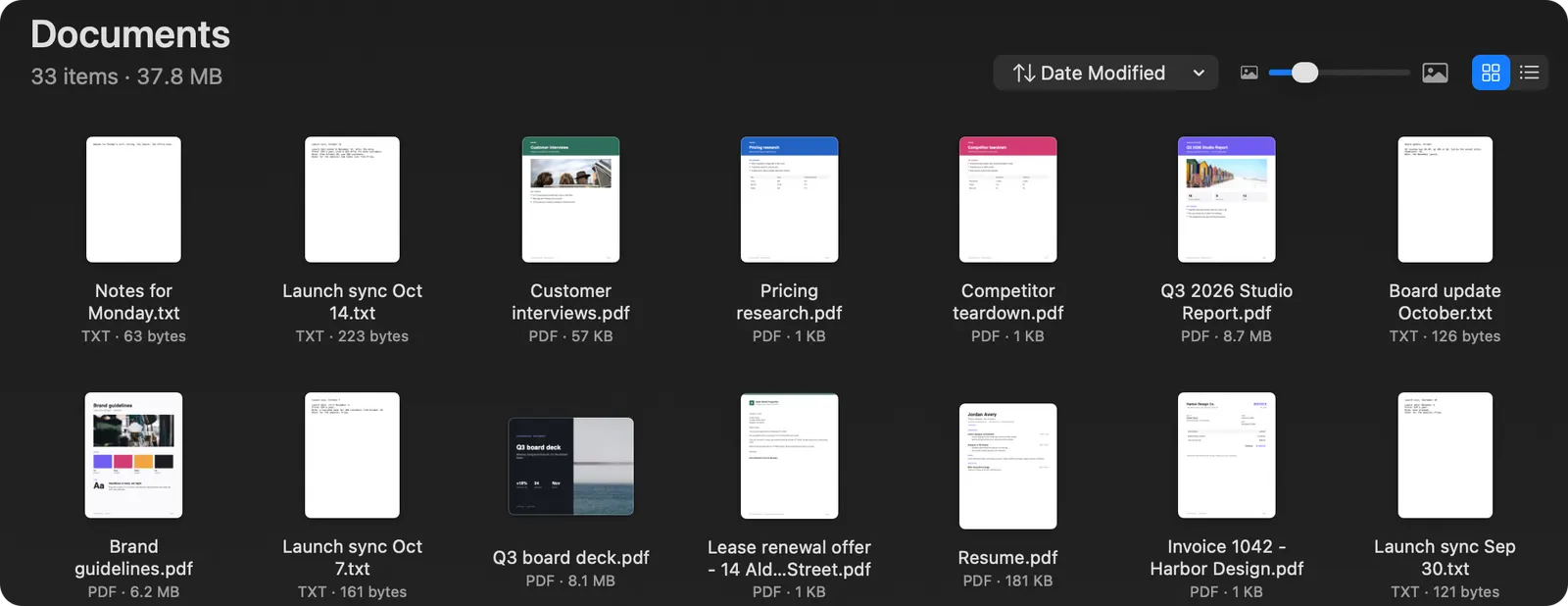
Where every download came from.
Downloaded From groups every download by the site you got it from, so you can find a file by where it came from (⇧⌘J).
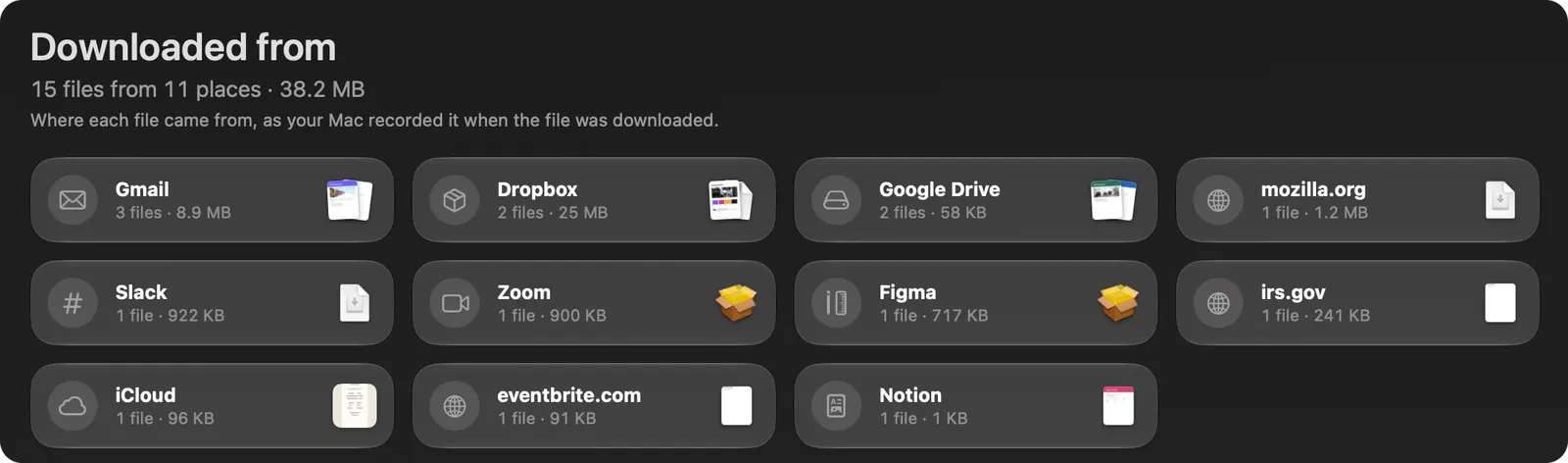
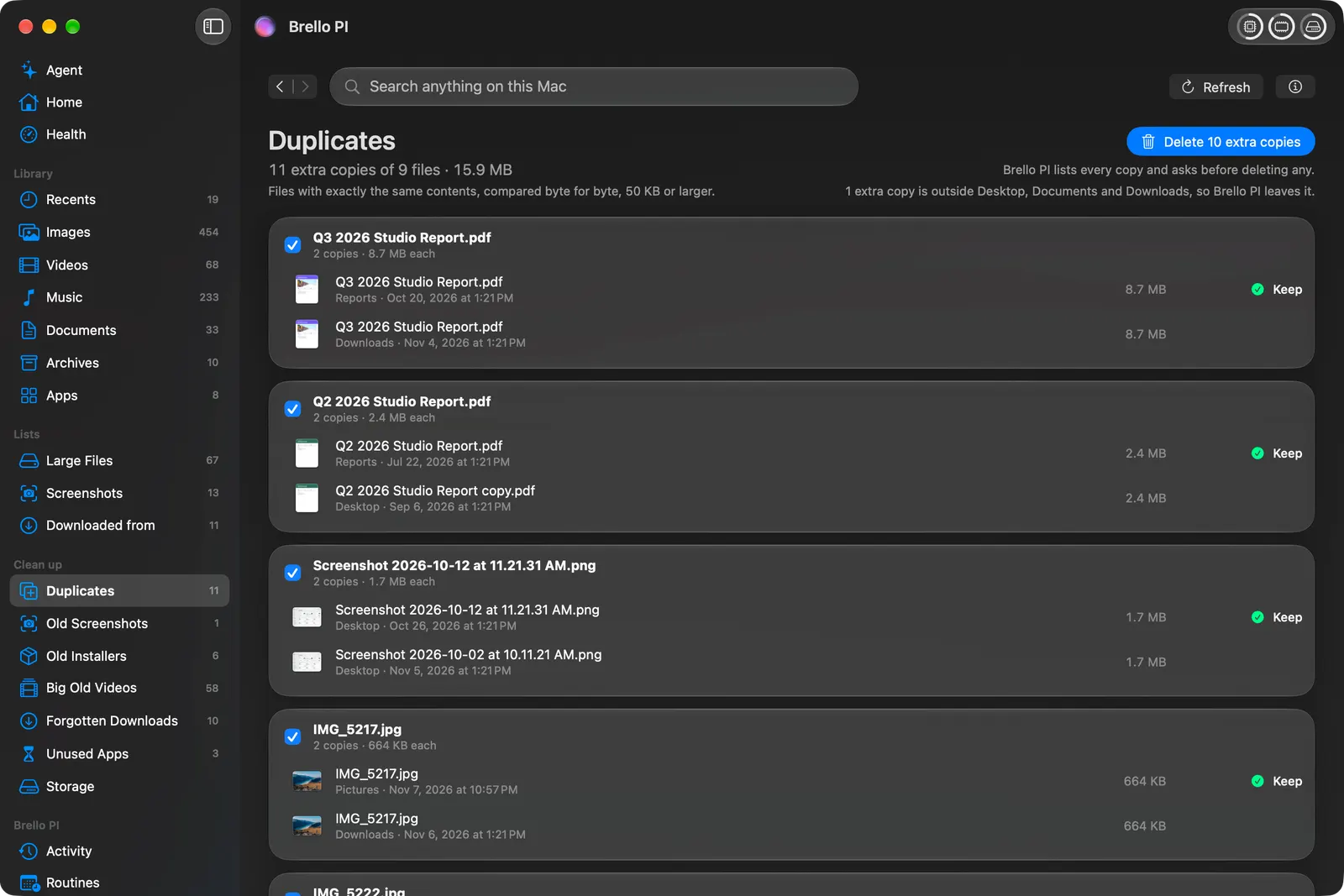
Duplicates, proven byte for byte.
Copies with exactly the same contents, 50 KB or larger, side by side, with the copy to keep marked. Delete the extras and they go to the Trash, with Undo.
Finder’s keys, and a few more.
Space for Quick Look, ⌘I for the Inspector with Live Text, ⇧⌘C to copy the text from an image or a PDF, ⌃⌘T to pin a folder, and a music player for your songs. Brello keeps Finder’s keys wherever Finder has one.
Where it works
Home, its search, Duplicates and Downloaded From work on any Mac with macOS 14 or later, on Apple silicon and Intel.
Questions
Does Brello replace Finder?
No. Brello works beside Finder. Show in Finder (⇧⌘R) opens any file in a Finder window, and Brello keeps Finder’s keys wherever Finder has one.
Does Home move or delete my files?
Only when you ask. A file goes to the Trash when you choose Delete and say yes to a question that names it, and Undo puts it back.
Does it send my files anywhere?
No. Home reads your files on your Mac. Your files and their names never leave it.
What can I type in Home’s search?
What you remember, the way you’d say it: a kind (“PDFs”, “videos”), a time (“last week”, “in March”), words inside the file, and a size (“over 5 MB”). Brello shows how it read each part before the files, so you can see why a file was or wasn’t found.
How is a saved search different from Finder’s Smart Folder?
Both search again each time you open them. A Smart Folder is built from Finder’s rules; a saved search in Brello keeps the sentence you typed, so you can read what it looks for at a glance.
Will Duplicates offer copies that free no space?
No. Copies are proven byte for byte, and two names for one file, or an APFS clone that shares its storage with the original, count as one, because deleting them would free nothing.
Can I find where a download came from without Brello?
One file at a time: select it in Finder, press ⌘I, and read Where from. Downloaded From shows every download grouped by site at once.
Guides
Read more
Newsroom ›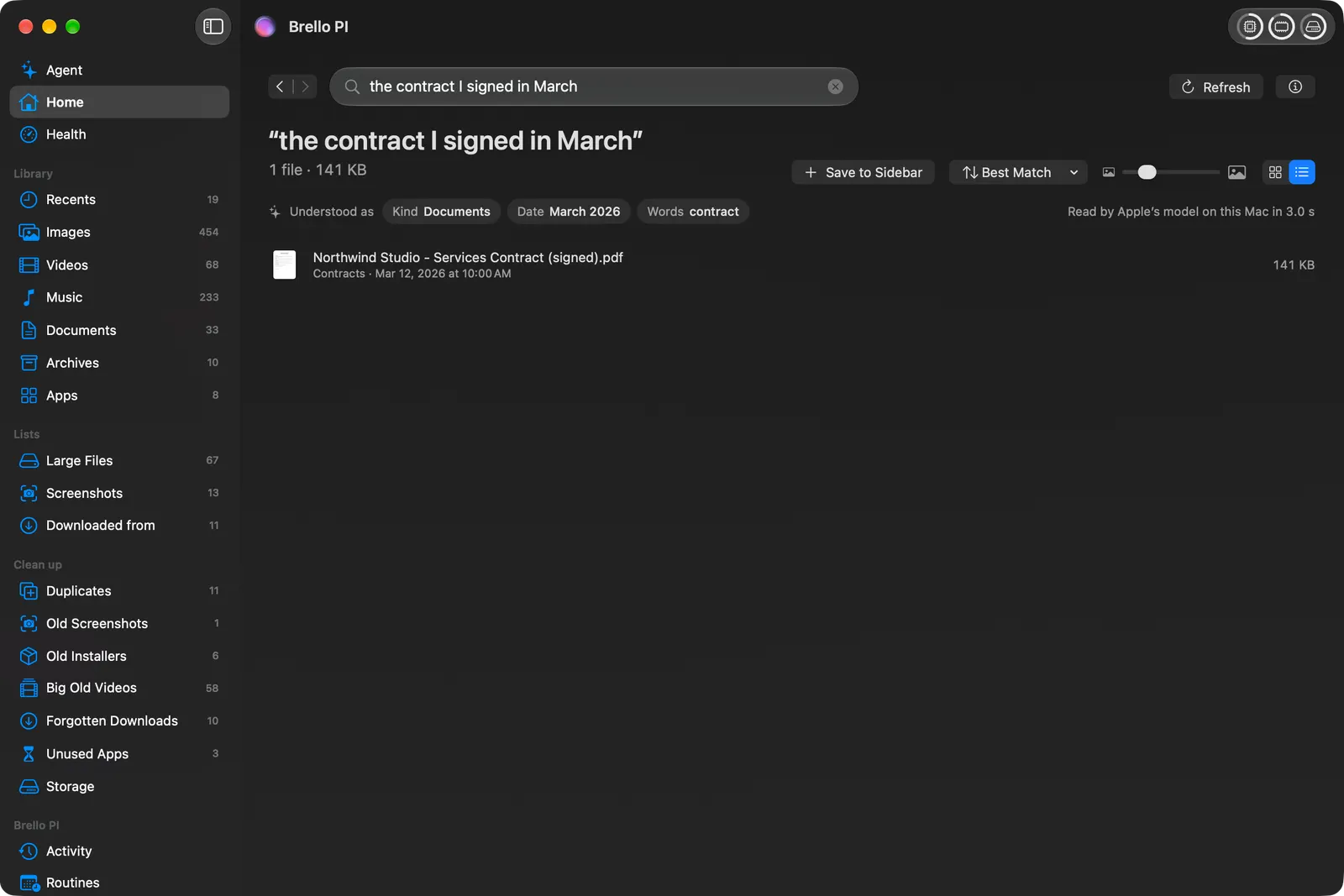
Every file on your Mac, found by what you remember
Finder shows you folders. Home shows you what you have, finds a file from a half-remembered sentence, and tells you where every download came from.
4 min read
Your Mac, one keystroke away
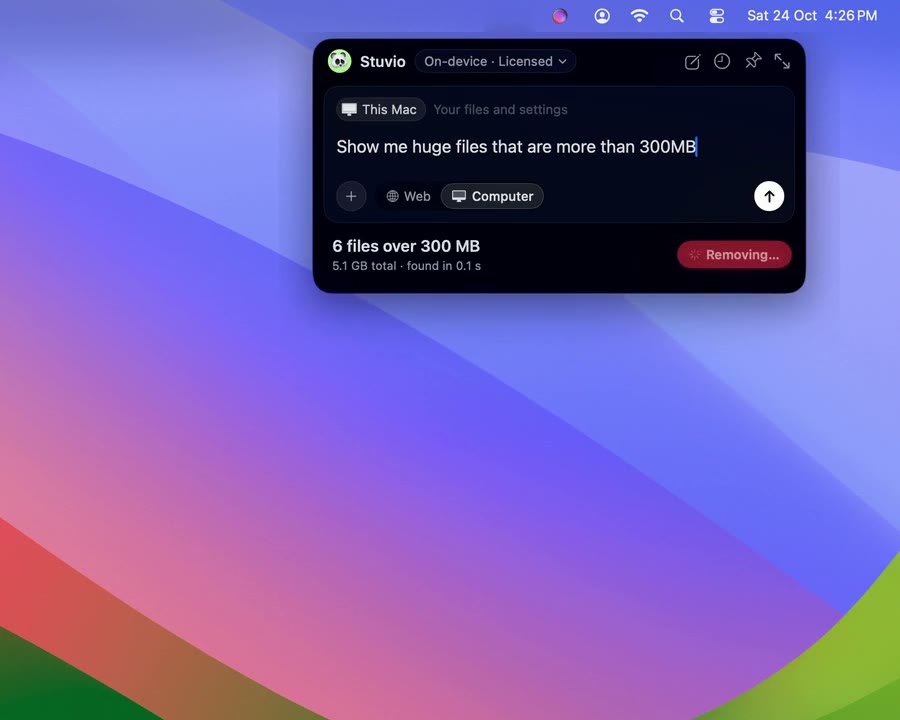
Press Option-Space in any app and Brello PI drops from the menu bar: files as you type, your last ten downloads, and requests answered right there.
4 min read
Keep your Mac healthy in the agentic era.
One-time purchase · $20, one time · 30-day money-back guarantee, no reason needed