Brello for Mac › Work done for you
One sentence in. Finished work out.
Type what you need in plain English. Brello PI finds, files, writes and changes settings on your Mac, shows what changed, and offers Undo.
$30 at launch, then $50 · 30-day money-back guarantee, no reason needed
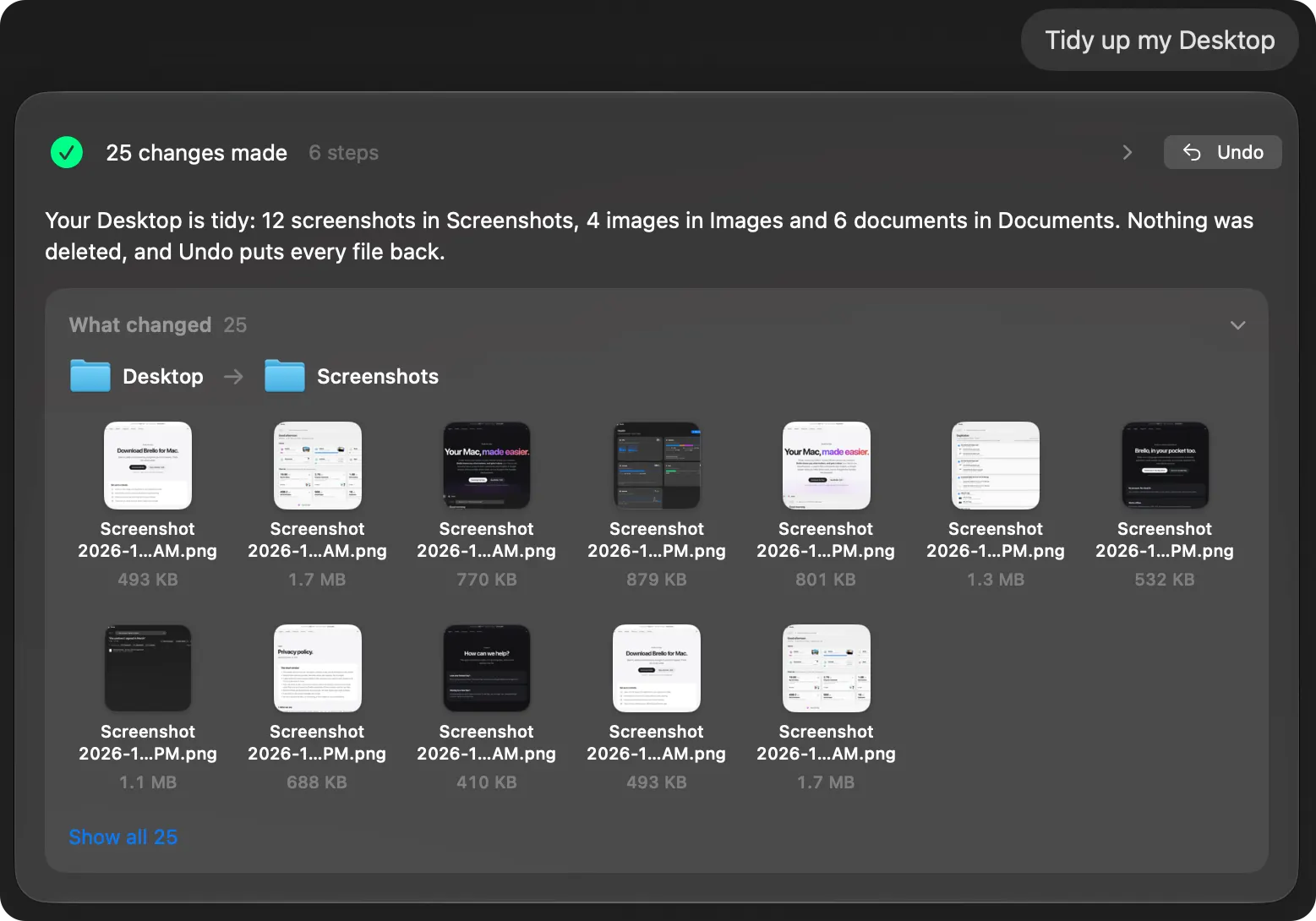
Your Desktop, into folders.
“Tidy up my Desktop”: screenshots, images and documents, each into a folder of their own, with every file’s new place shown. Nothing deleted, and Undo puts every file back.
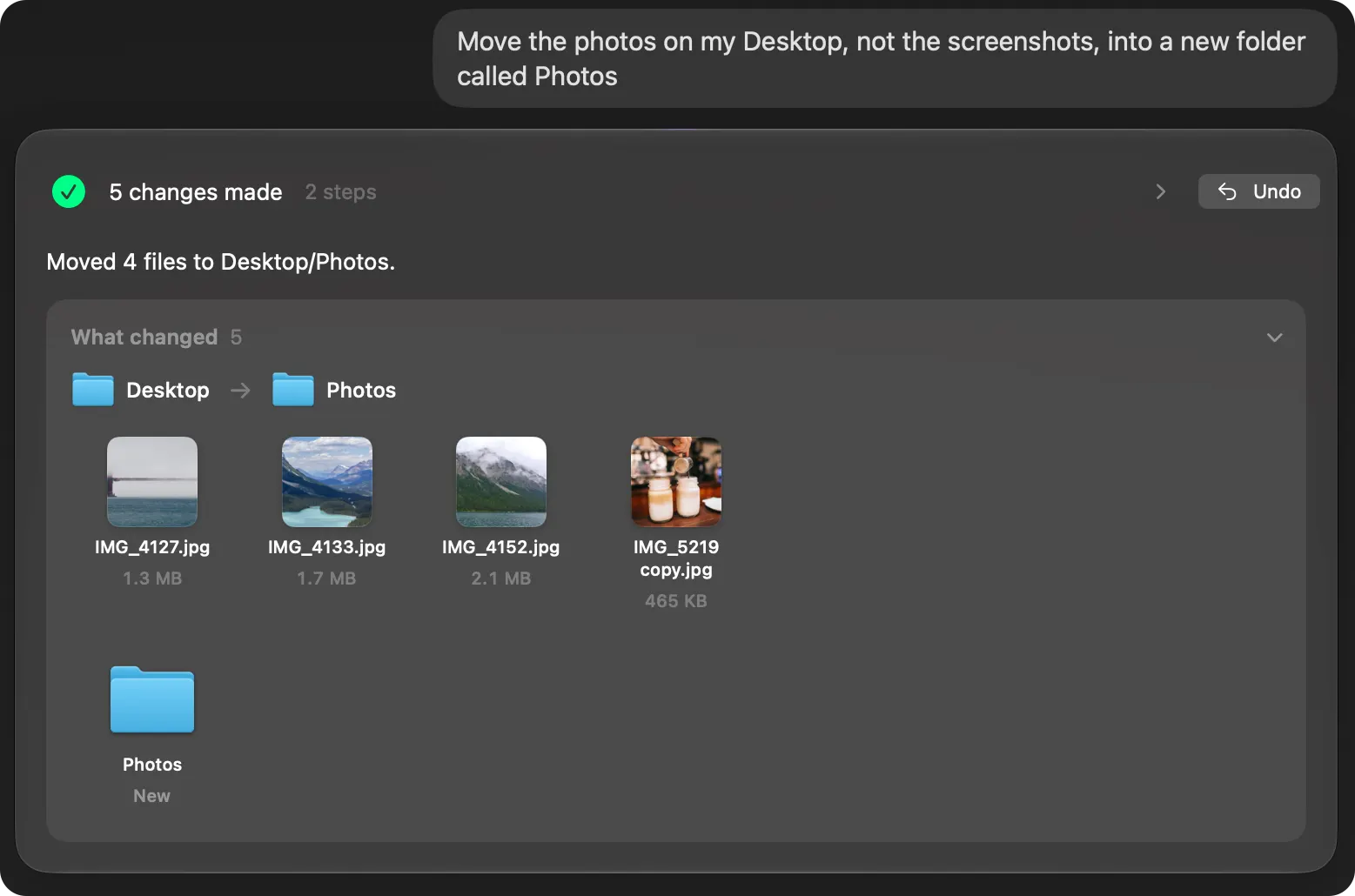
Exactly what you said.
“Move the photos on my Desktop, not the screenshots, into a new folder called Photos.” The photos move, the screenshots stay.
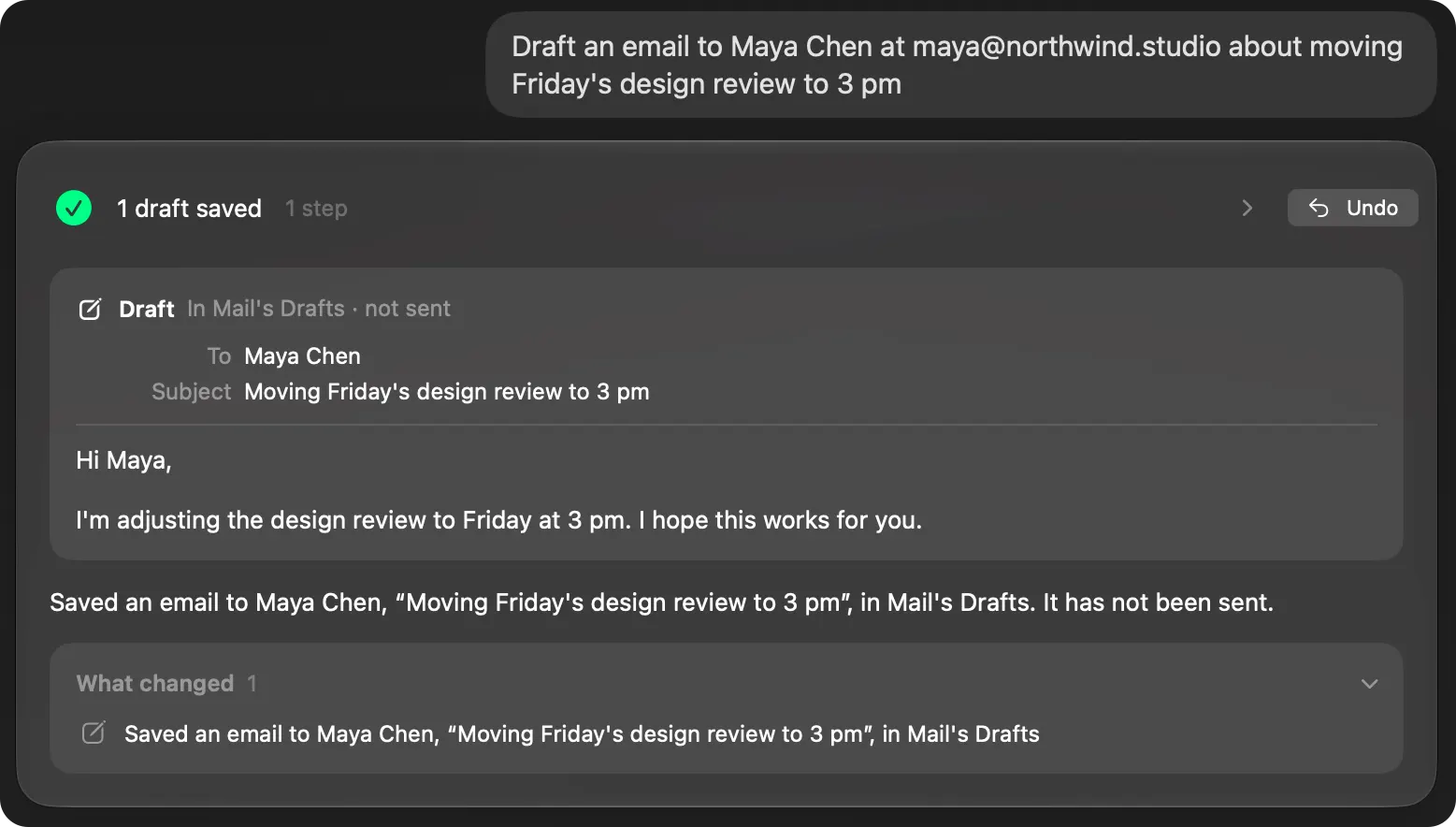
The email, written for you.
Ask for an email and Brello PI writes it, asks one short question if it needs to, and leaves the draft ready for you to send. Nothing is sent.
It asks what only you can say.
If a request needs something only you know, such as which files or who an email is to, Brello PI asks one short question and changes nothing until you answer. Your next message continues the same request.
Code checks every step.
Brello PI thinks with Apple’s on-device model, and code checks each step rather than trusting the model’s word. Before anything risky it shows exactly what will change and waits for your yes.
Where it works
The agent needs a Mac with Apple silicon, macOS 27 and Apple Intelligence turned on. It turns on by itself when Apple Intelligence is ready.
Questions
Does my work go to a cloud AI?
No. The agent thinks with Apple’s on-device model, on your Mac. It never uses Apple’s cloud model or any other company’s AI, and Brello PI doesn’t learn from your files.
Does it send email for me?
No. Brello PI writes the draft with anything it made attached, and Mail opens it. You send it yourself.
What if it gets something wrong?
Every change can be undone, from the reply or from Activity (⌘5). Answers can still be wrong, so Brello PI shows what it changed and what it read.
What can I ask it to do?
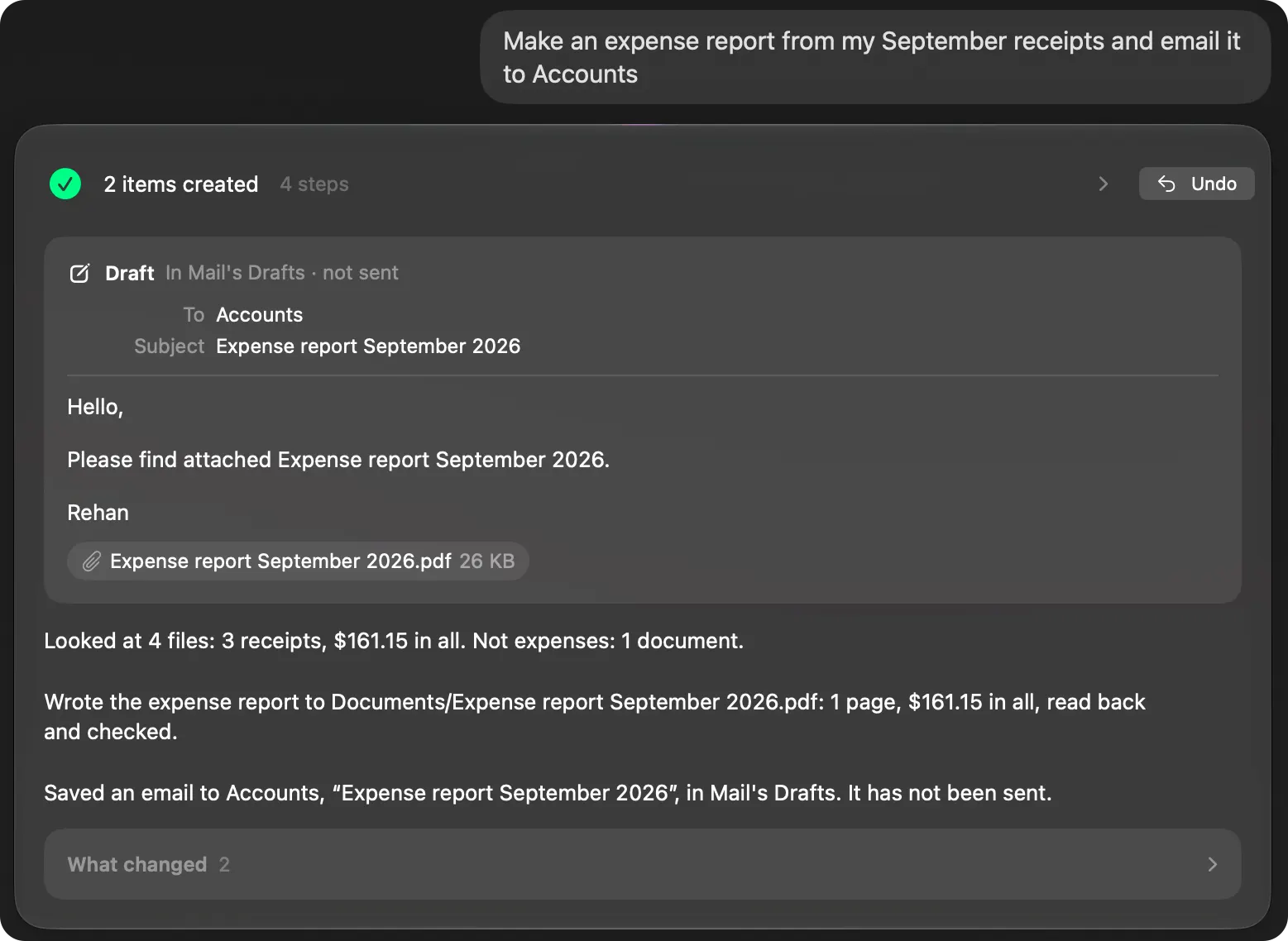
Work on your own Mac: tidy and file folders, find files by what you remember, turn receipts into an expense report with an email draft, zip what you need to send, change a setting and read it back, keep your Mac awake, make a routine that runs on a schedule or when a file lands, and answer questions about your Mac. Questions about the world go to Apple Maps or Wikipedia with only your words, after it has asked you once.
Does it delete anything without asking?
No. Risk is decided by code, not by the model. Before anything is deleted, Brello PI shows a question that names every file, and what you approve goes to your Mac’s Trash, where Undo brings it back. Emptying the Trash is the one thing Undo can’t reverse, so it always asks first.
Can I continue a request, or start over?
Yes. What you type next is read after the turn before, so “undo that”, “never mind” or an answer to its question continues the same request. New Chat (⌘N) starts afresh.
Why does it need macOS 27 and Apple silicon?
The agent thinks with Apple’s on-device model, which runs only on Macs with Apple silicon and Apple Intelligence turned on, and Brello PI’s agent has been proven on macOS 27. On other Macs, Home, Clean up, Health and the popup’s file search work as usual, and the Agent page says what’s missing.
Guides
Read more
Newsroom ›One sentence, finished work
Ask a chatbot to tidy your Desktop and you get a list of steps. Ask Brello PI and your Desktop is tidy, with every file’s new place shown and Undo for all of it.
5 min read
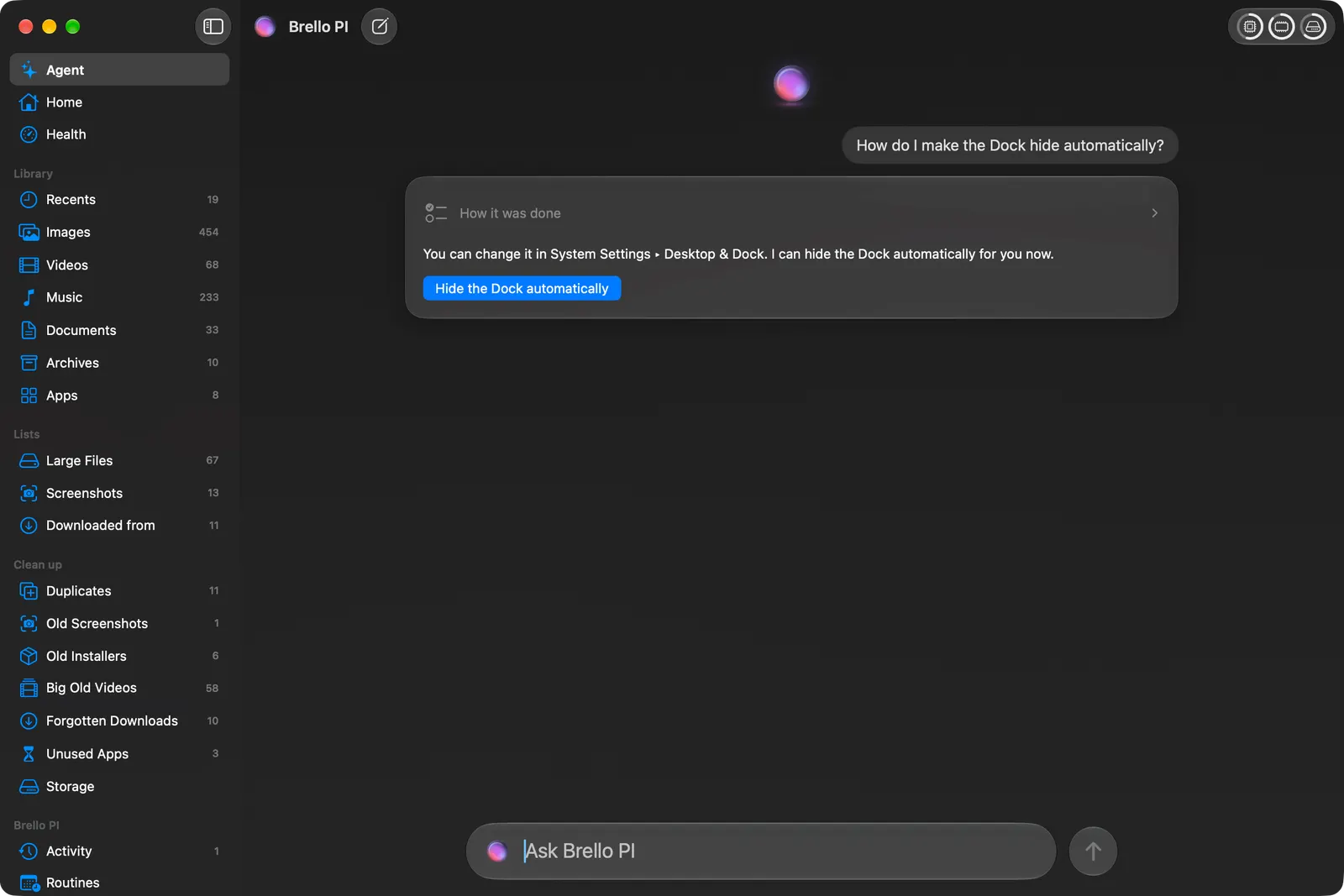
What Brello PI answers itself, and when Safari takes over
Most of what you ask Brello PI is about your Mac, and it answers on your Mac. For the open web, it hands your words to Safari and your own search engine, and writes that down first.
4 min read
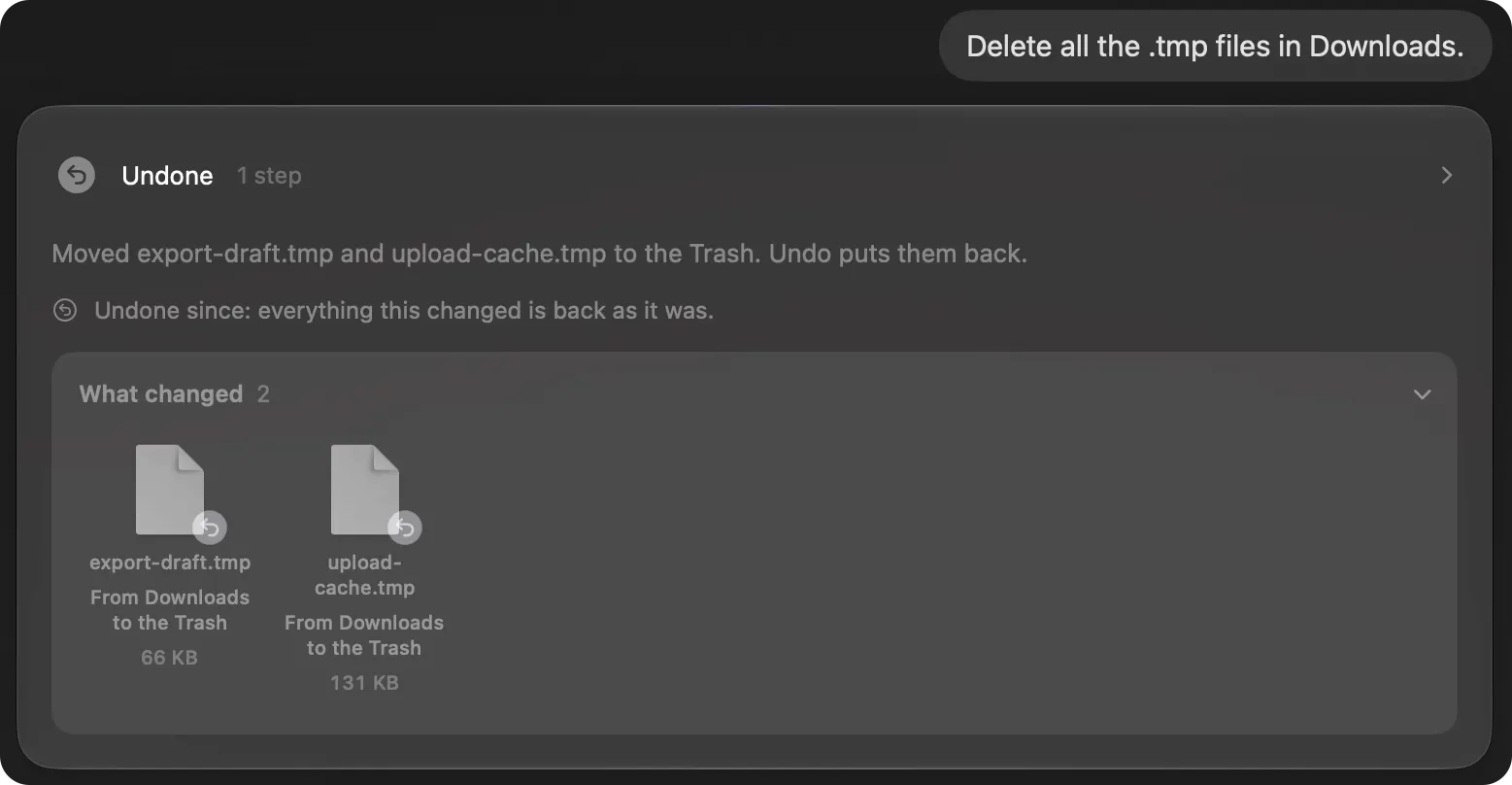
Ask first, then Undo: handing your Mac to an agent safely
An agent that moves real files has to be one you can trust with them. Brello PI shows exactly what will change, waits for your yes before anything risky, and keeps Undo for every change it makes.
4 min read
Private intelligence for your Mac.
One-time purchase · $30 at launch, then $50 · 30-day money-back guarantee, no reason needed