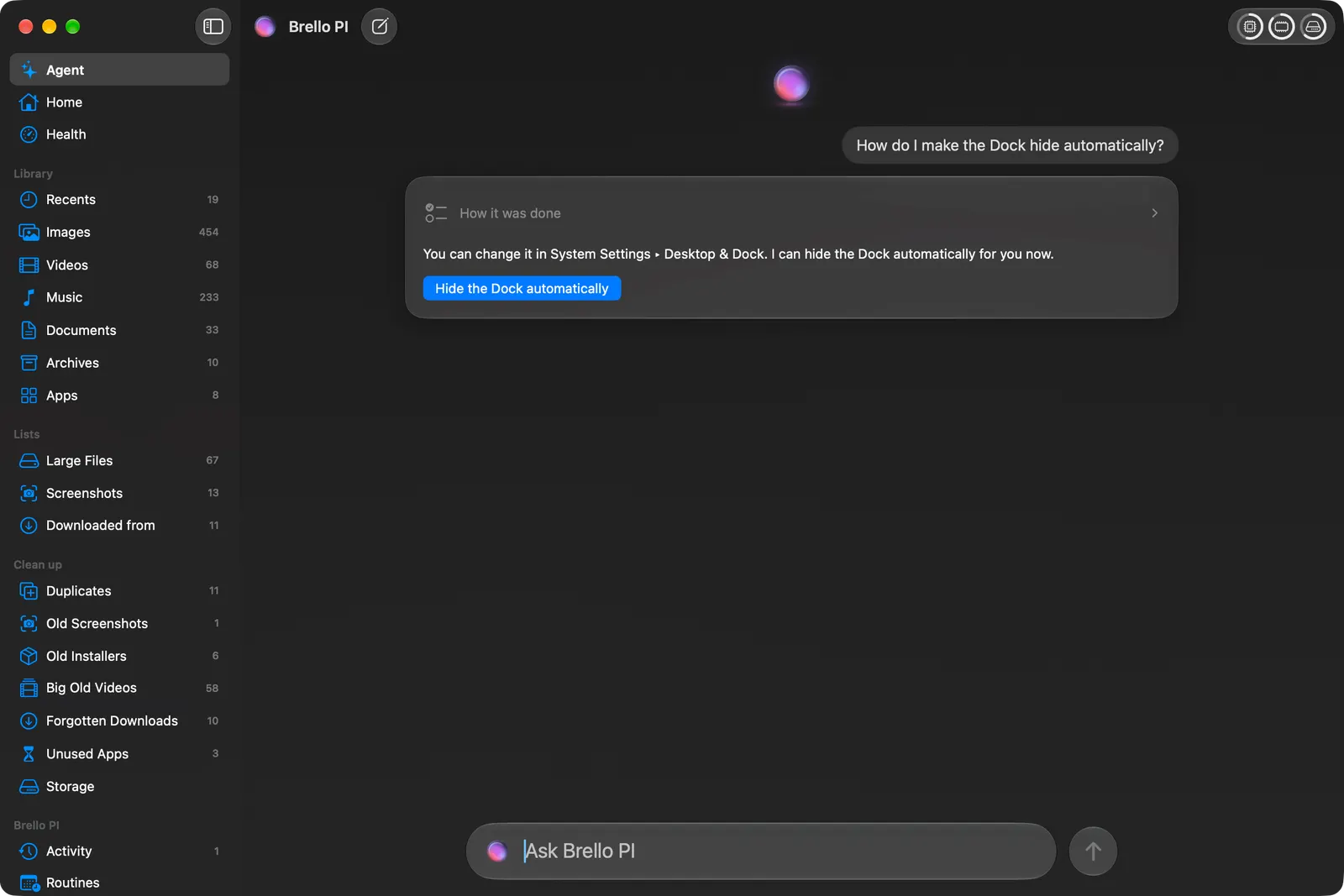
A chatbot answers everything the same way: send the question to a server, get words back. Brello PI is built the other way around. Most of what people ask an agent on a Mac is about the Mac itself, and the Mac already has the answer. So Brello PI answers those questions here, without sending anything anywhere, and keeps the internet for the questions that really need it.
This story is about where that line sits, and what happens on the far side of it.
Answered on your Mac
When you type, code reads your words first, before any model. A lot of questions end right there:
- The clock and the date, in your Mac’s own format.
- What Brello PI is and what it can do, and which macOS your Mac runs.
- Your files: where something is, what’s biggest, what came from which site, what’s a duplicate.
- Your Mac’s health: what’s using it, what’s keeping it awake, how warm it’s running, what’s filling the disk.
- Your settings: how each one is set, and how to change it, with a button that does it.
- Apps by name: “open Notes”, “quit Chrome”.
None of these is a web search, and none should be. The answer is in your Mac, it’s exact, and it’s faster to read it than to ask anyone.
Ask, don’t fail
When a request is missing something only you can say, who an email is to, which files, which Sam, Brello PI doesn’t guess, and it doesn’t show a warning. It asks one short question and changes nothing until you answer. Your next message carries on with the same request.
That rule came from our own first evening of using Brello PI the way a new person would. A refusal or a warning card is a dead end. A short question is a conversation.
When a question needs the world
Some questions aren’t about your Mac: who someone is, what something is, where the nearest bookshop is. For those, code reads which source fits from your own words, and Brello PI asks that source alone, straight from your Mac:
- A person, place or thing (“who was Ada Lovelace”, “how tall is Mount Everest”) goes to Wikipedia, with your words as you typed them. Who or what something is comes from the article’s own opening, and an age is worked out by code, not the model.
- A place to go (“bookshops near Shoreditch in London”) goes to Apple Maps, and the reply shows the places on Apple’s own map.
The first time a request needs the internet, Brello PI asks once, saying exactly what will leave and where. Your answer is kept, and Settings can change it. And every request is written to the Privacy page before it leaves.
Most of what you ask an agent on a Mac is about the Mac. The Mac already has the answer.
The open web, through Safari
Then there are questions no free source fits: the latest reviews of a camera, a recipe, today’s news. Those need a web search. Brello PI doesn’t send your words to a search engine itself. It says so in one line, plainly, and offers a button: Search in Safari.
Click it and Brello PI hands your words to Safari, where your own search engine, the one you chose in Safari, looks them up. Brello PI sees none of the results, and no Brello PI server is involved. The hand-off is written to the ledger first, like every request, so the Privacy page shows exactly which words went to Safari and when.
Nothing happens without your click. With nobody at the Mac, in a routine, no hand-off is ever made. And if your Mac is offline, Brello PI says so instead of opening a search that can’t load.
Why not just search for everything?
Three reasons, in order of how much they matter to us.
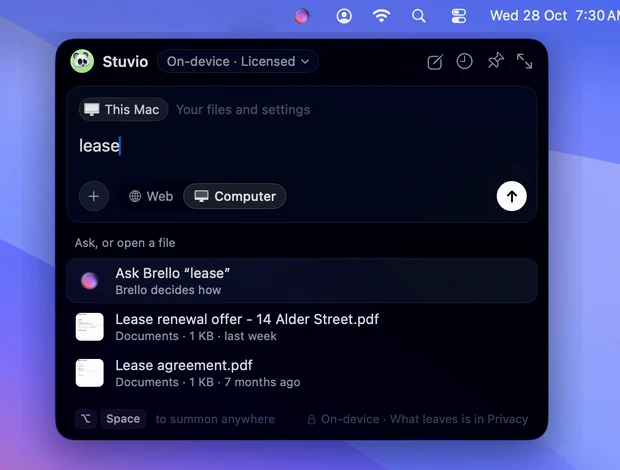
Your words are yours. A search for “the contract I signed in March” would tell a search engine something about you, and it would be useless besides: that contract is on your Mac. Code keeps a request about your own files, notes or folders on your Mac, even if the model suggested the web, unless you ask to look online.
Exact beats plausible. A web page can tell you how to check your battery’s health in general. Brello PI can tell you your battery holds 91% of what it held new. An agent should prefer the answer that’s true of your Mac.
Fewer moving parts. Every request that leaves your Mac is one more thing to check and write down. Keeping that list short is how the Privacy page stays readable.
What you’ll see
In practice: ask about your Mac and the answer arrives in place, usually with something you can do about it. Ask about the world and Brello PI asks once, then answers from Wikipedia or Apple Maps, with pictures. Ask for the open web and you get one honest line and Search in Safari. In every case, the Privacy page has the full list of what left.
There’s more on what leaves and how it’s recorded in Every request that leaves your Mac, written down first.