Brello for Mac › Clean up
Clear out what you don’t need.
Old installers, forgotten downloads and big old videos, found for you and listed by name and size, so you can see what’s safe to let go.
$20, one time · 30-day money-back guarantee, no reason needed
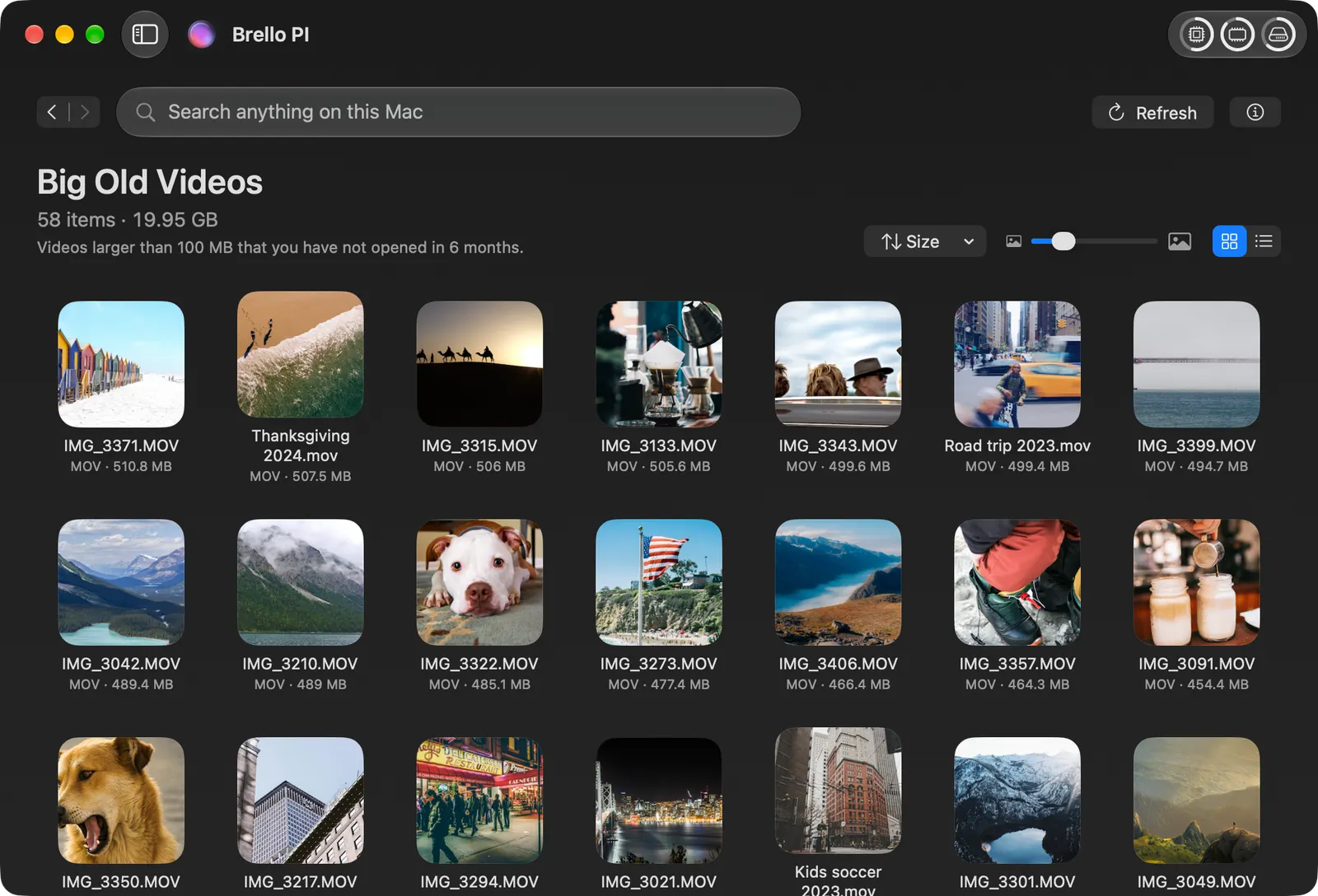
Big old videos.
Videos larger than 100 MB that you haven’t opened in 6 months, largest first, each with a frame from it.
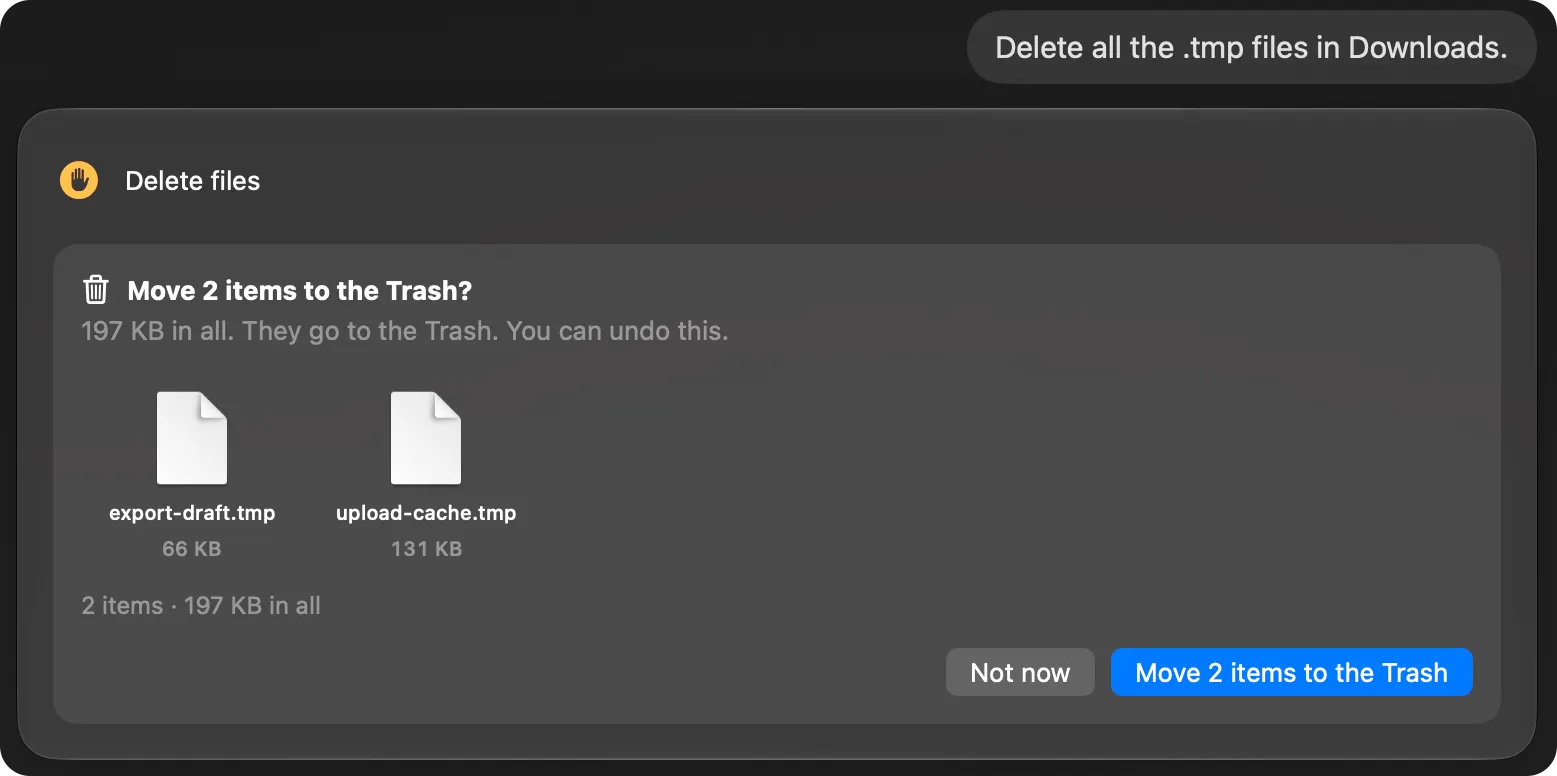
You see every file first.
Before anything is deleted, Brello names each file and its size, and waits for your yes. Then the files fly into the Trash in your Dock, and Undo brings them back.
Every kind of file, measured.
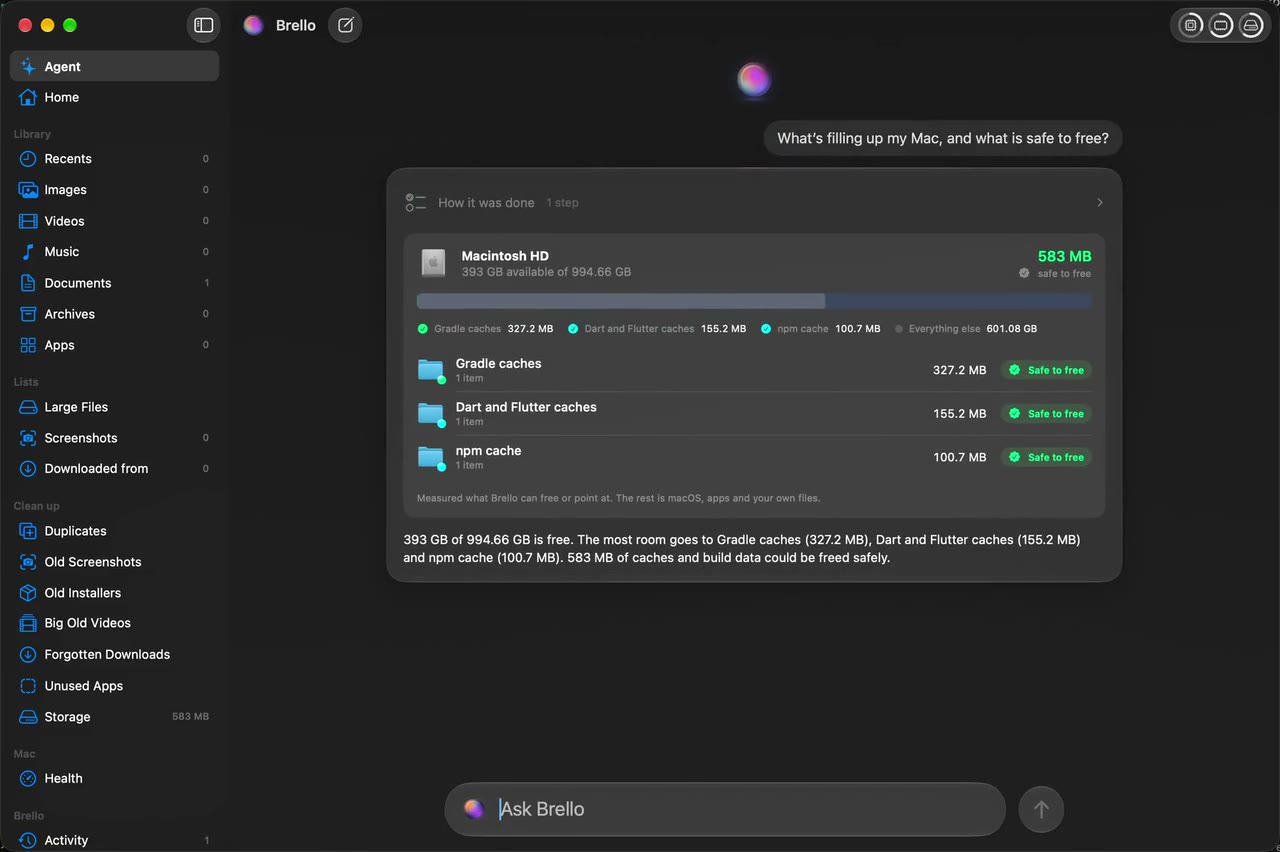
Storage measures every kind of file on your Mac and marks the caches and build data that apps make again as safe to go. Old installers, old screenshots, unused apps and duplicates each have a list too.
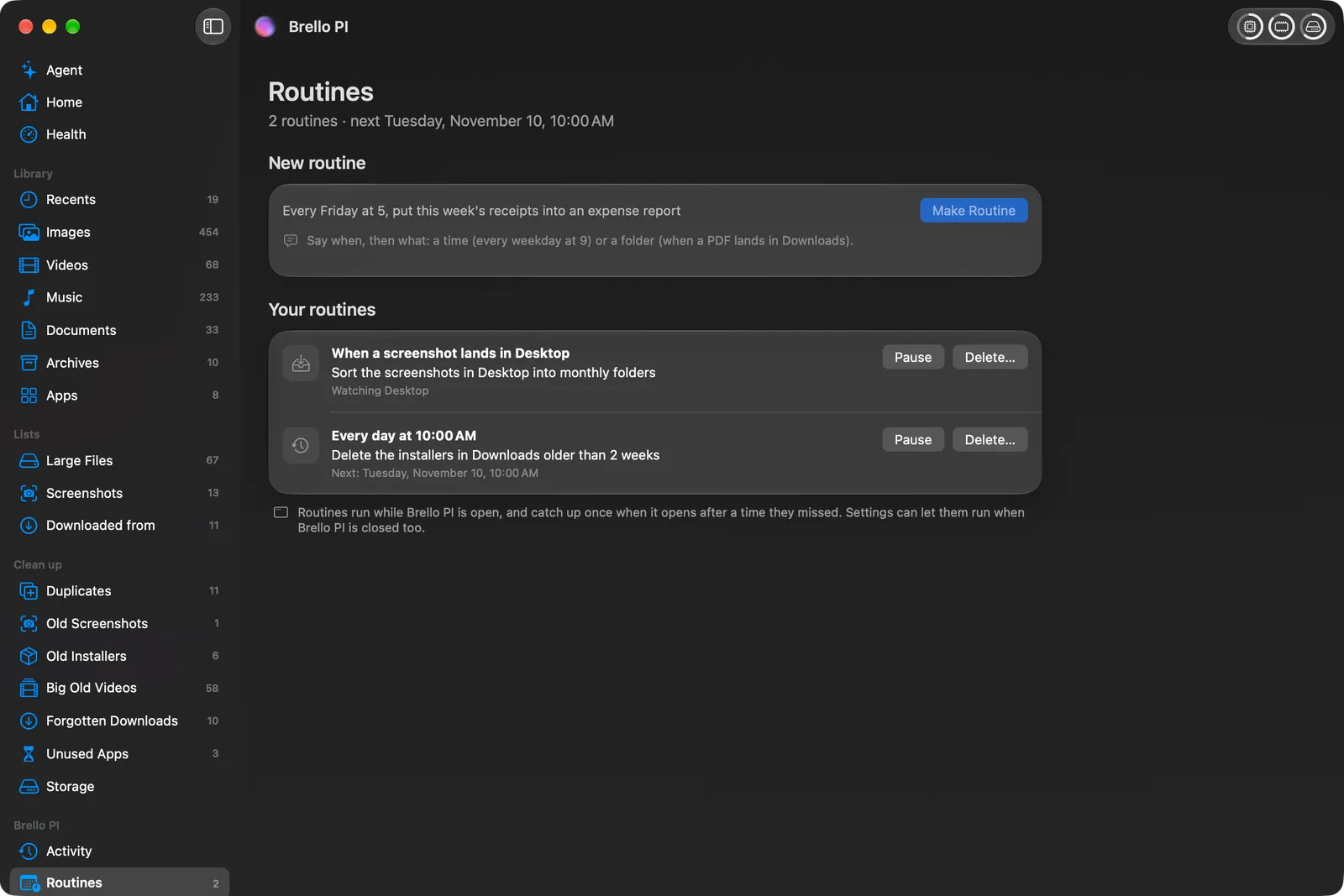
Tidy rules, if you want them.
Turn on two rules and Brello PI sorts new screenshots into monthly folders as they land, and asks about old installers in Downloads each morning at 10:00.
How it works
Clean up reads your home folder on your Mac and sorts out six kinds of clutter by rules you can read: duplicates, old screenshots, old installers, big old videos, forgotten downloads and unused apps. Each list says its rule at the top, and Home shows what Brello can free in all, each file counted once.
You decide what goes. Select files and choose Delete…, and Brello names every file and its size before anything moves. Say yes, and they go to your Mac’s Trash, as Finder moves them there, and fly into the Trash in your Dock. ⌘Z puts them back. Storage (⌘3) shows the rest of the disk by kind, marking caches apps make again as safe to free, with why.
The six lists
| List | Its rule |
|---|---|
| Duplicates | Files with exactly the same contents, 50 KB or larger, compared byte for byte |
| Old Screenshots | Screenshots older than 30 days |
| Old Installers | Disk images and installer packages older than 2 weeks |
| Big Old Videos | Videos larger than 100 MB that you haven’t opened in 6 months |
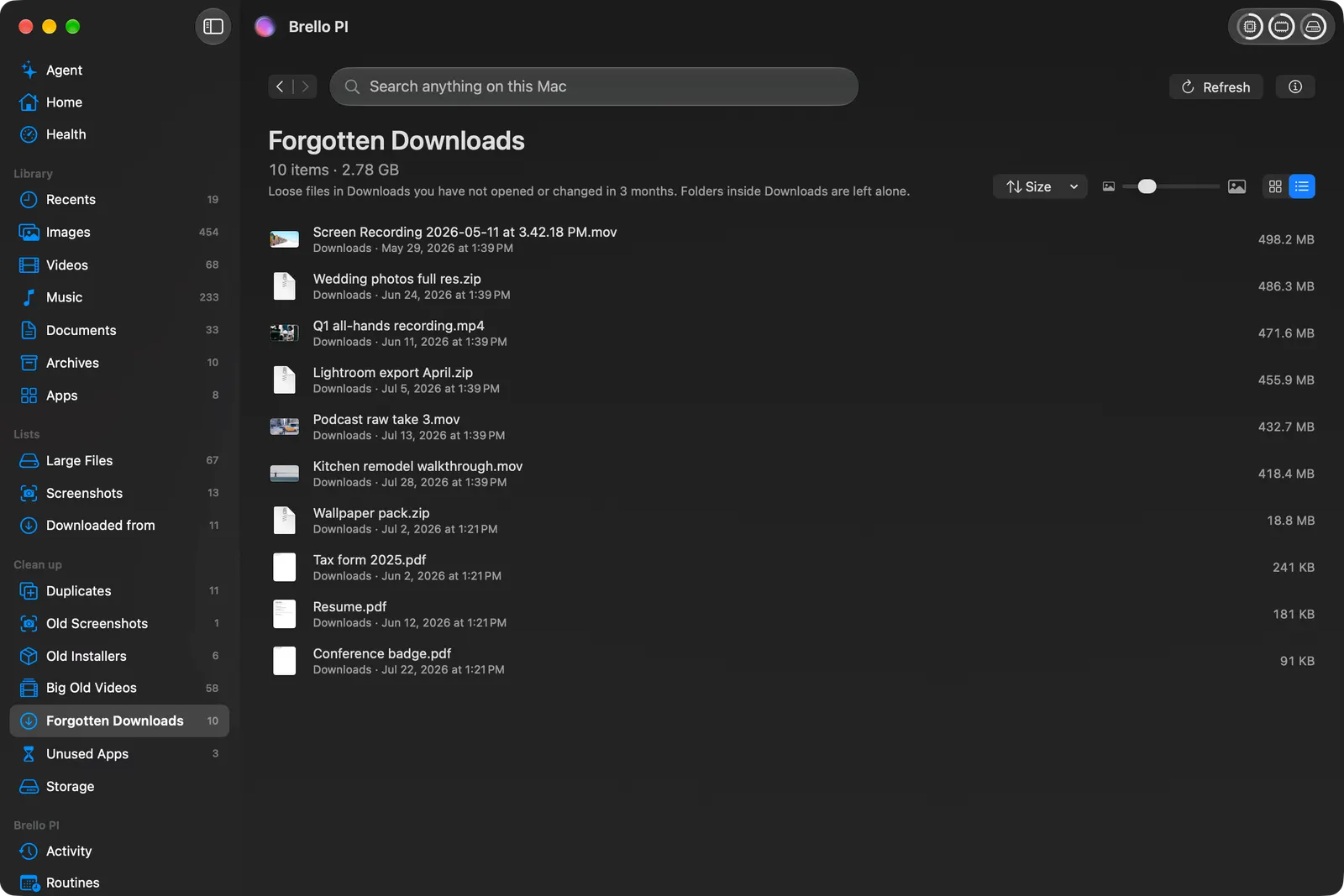
| Forgotten Downloads | Files in Downloads you haven’t opened or changed in 3 months |
| Unused Apps | Apps you haven’t opened in 6 months |
Where it works
Clean up, Storage and the tidy rules work on any Mac with macOS 14 or later, on Apple silicon and Intel.
Questions
Can Clean up delete apps?
It lists apps you haven’t opened in 6 months. Brello deletes files only in your Desktop, Documents and Downloads, so an app is shown with Show in Finder, where you can move it to the Trash yourself.
Does Brello delete anything by itself?
No. Nothing is deleted until you say yes to a question that names every file, and with nobody at the Mac nothing is deleted at all.
Where do deleted files go?
To your Mac’s Trash, as Finder moves them there. Undo, or ⌘Z, puts them back while they’re in the Trash.
Does it clear caches or System Data?
No. Storage marks the caches apps make again as safe to go, and macOS manages System Data by itself.
Guides
- How to free up space on your MacStorage and clean up
- How to check storage on your Mac, find large files, and know what’s safe to deleteStorage and clean up
- How to find duplicate files on a Mac, and delete them safelyStorage and clean up
- How to clear the cache on a Mac, and when it’s safeStorage and clean up
Read more
Newsroom ›Clear out what you don’t need, one named file at a time
Clean up’s lists each follow one plain rule, measured on your Mac. Duplicates are proven byte for byte. Nothing goes until you’ve seen it, and what goes can come back.
4 min read
What’s really filling your Mac
Storage measures every kind of file on your Mac, counts free space the way Finder does, and marks what apps make again as safe to go, so you can tell what’s really yours.
4 min read
Keep your Mac healthy in the agentic era.
One-time purchase · $20, one time · 30-day money-back guarantee, no reason needed