Brello for Mac › Undo
Undo anything.
Every change Brello PI makes can be undone: moves, renames, new folders, settings and deletions. One click puts it back.
$30 at launch, then $50 · 30-day money-back guarantee, no reason needed
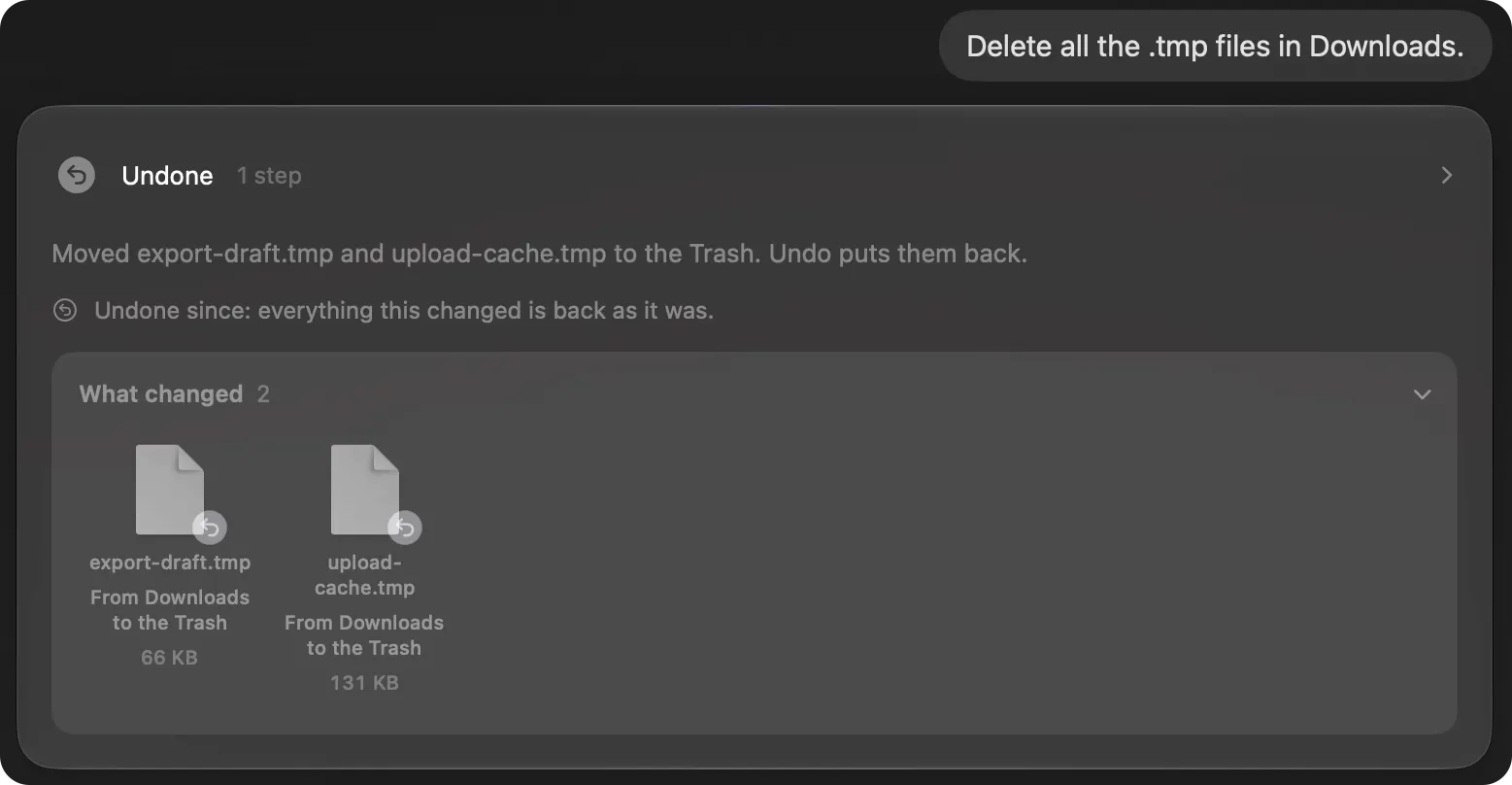
You see every file first.
Before anything is deleted, Brello PI shows each file and its size, and waits for your yes.
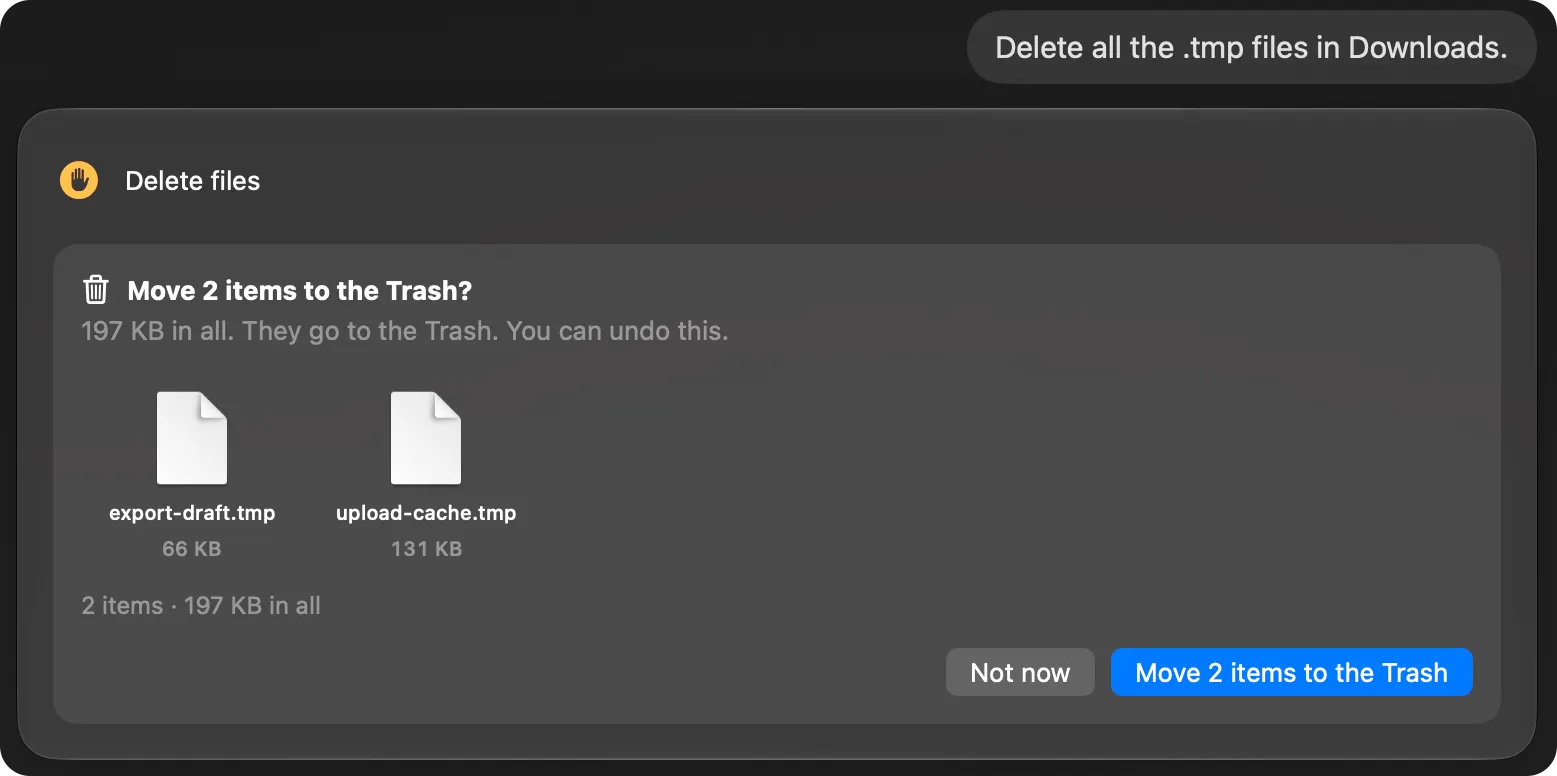
Every file back where it was.
Files Brello PI moved go back to their folders, renamed files get their names back, and a folder Brello PI made is taken away again.
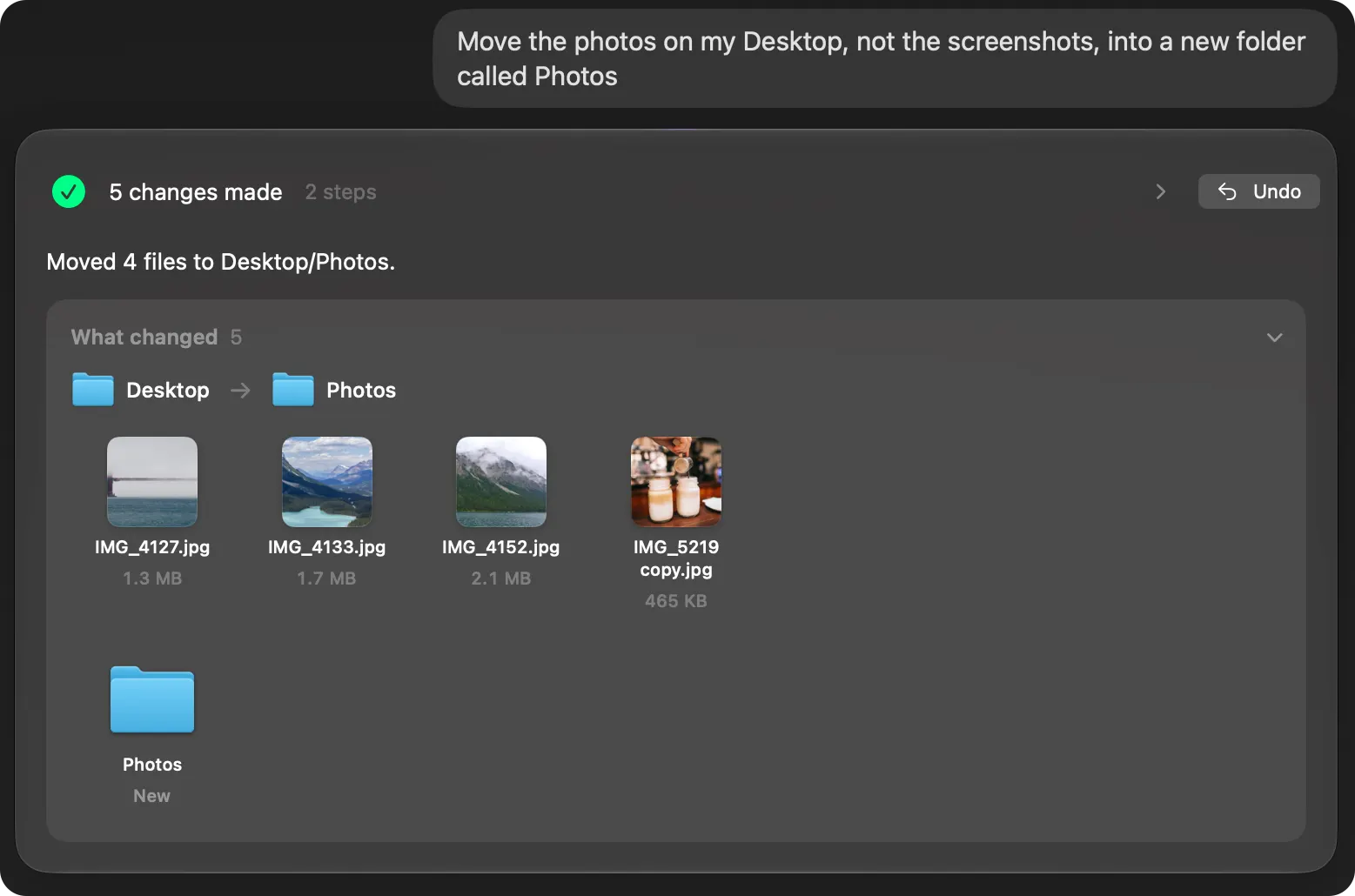
Settings, back as they were.
Undo on a setting puts back the value Brello PI read before it changed it, and reads it back again.
Activity keeps it all.
Activity (⌘5) lists what Brello PI did this session, newest first, with what each request changed, what left your Mac, and its Undo.
The few things that can’t be undone.
Emptying the Trash, sleeping, restarting and shutting down. Brello PI asks before each, and never does them with nobody at the Mac.
How it works
Every request Brello PI carries out keeps a record of what it changed, on your Mac: each file’s place and name before, each new folder and file it made, and each setting’s value before. Undo replays that record backward. Files go back to where they were, new files and folders go, and settings return to the value Brello PI read before changing them, then are read back from macOS.
Files Brello PI deletes go to your Mac’s Trash, as Finder moves them there, and fly into the Trash in your Dock so you can see where they went. ⌘Z straight after brings them back. So does Undo on the request in Activity, or Finder’s own Put Back, until the Trash is emptied.
What Undo puts back
| A request that… | Undo |
|---|---|
| Moved or renamed files | Moves or renames them back |
| Made folders, documents or drafts | Takes them away |
| Deleted files | Brings them back from the Trash |
| Changed a setting | Puts back the value before, read back from macOS |
| Balanced the load | Returns each task to its usual priority |
| Saved a picture to Pictures/Brello | Takes it away |
| Emptied the Trash, slept or restarted the Mac | Nothing: Brello PI asked first and said it can’t be undone |
What makes it trustworthy
Brello PI asks before anything that can’t be undone, and before it deletes, sends or quits anything. Its code, not the model, decides what needs a question. Before launch, 65 file tasks were played on made-up Macs, and all 138 undos put things back as they were.
Where it works
Undo works for everything Brello PI changes, on any Mac Brello PI runs on. Requests in words need the agent: a Mac with Apple silicon, macOS 27 and Apple Intelligence.
Questions
Can I undo something from earlier today?
Yes. Activity (⌘5) lists this session’s requests, newest first, each with its Undo.
How long can I undo a deletion?
While the files are in your Mac’s Trash. Once the Trash is emptied, they’re gone.
Does Undo work after Brello PI quits?
Files Brello PI deleted stay in your Mac’s Trash after it quits, so Finder’s Put Back brings them back until the Trash is emptied. Activity lists the requests of the session you’re in, each with its Undo.
Guides
Read more
Newsroom ›Private intelligence for your Mac.
One-time purchase · $30 at launch, then $50 · 30-day money-back guarantee, no reason needed