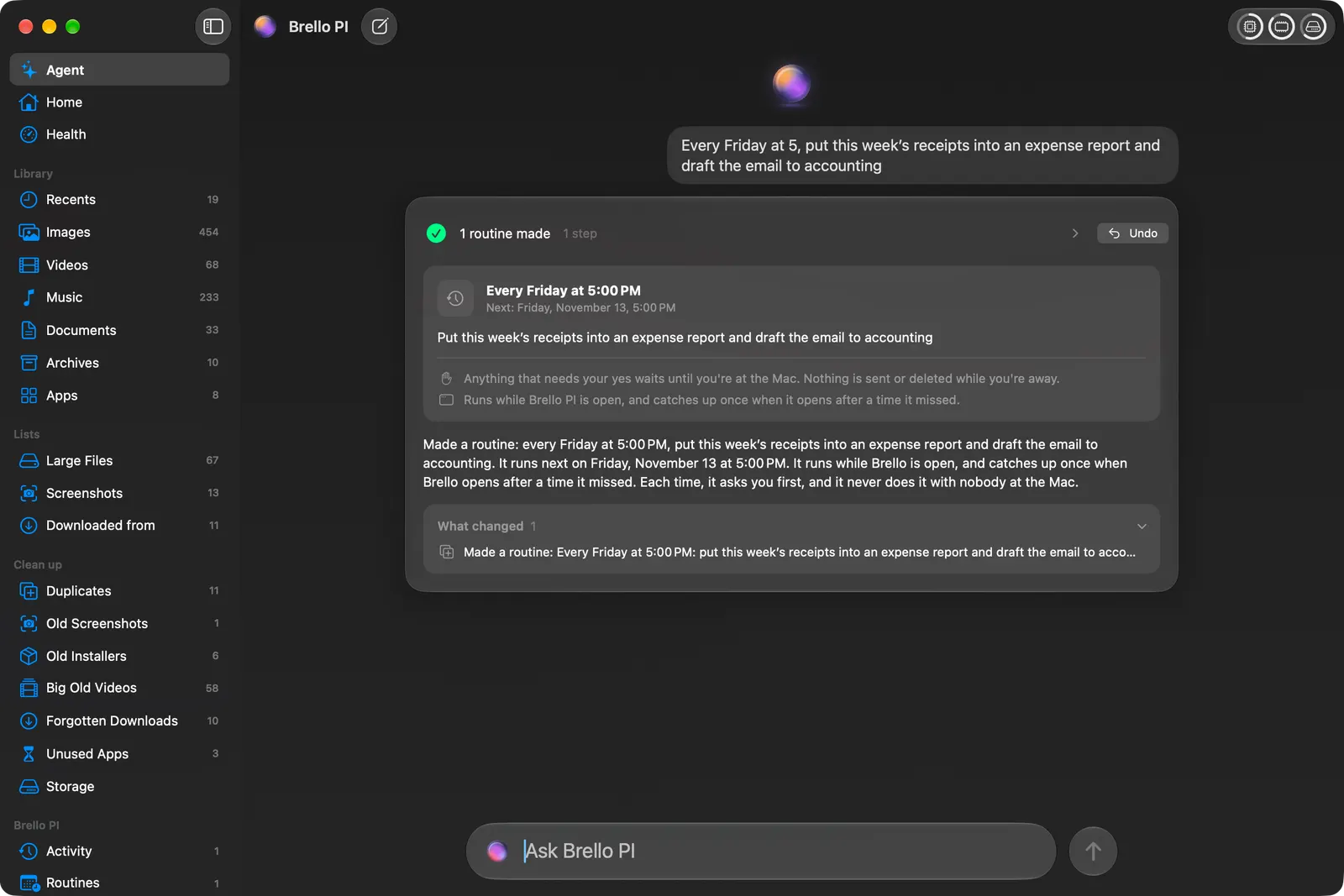
Once something works from a sentence, the next question is always the same: can it do this every week? With Brello PI it can. Anything you’d ask once, you can ask for on a schedule, or whenever a file lands in a folder, in your own words.
“Every Friday at 5, put this week’s receipts into an expense report and draft the email to accounting.” “When a PDF lands in Downloads, file it into Finance by month.” Brello PI reads when and what from your sentence, says it back to you, and runs it from then on.
Say when, then what
A routine starts with when it runs: a time, like “every weekday at 9” or “every Friday at 5”, or a folder, like “when a PDF lands in Downloads” or “when a screenshot lands on my Desktop”. Then what to do: “put this week’s receipts into an expense report”, “file it into Finance by month”.
You can say it in the Ask bar, in the popup, or on the Routines page under New routine. Times are read by code, the way your Mac’s region writes them, with the same reader Brello PI uses for every date. If a time is unclear, Brello PI says so instead of guessing: “That doesn’t say when. Start with when it runs, for example: Every Friday at 5, …” A routine that runs at the wrong time is worse than no routine.
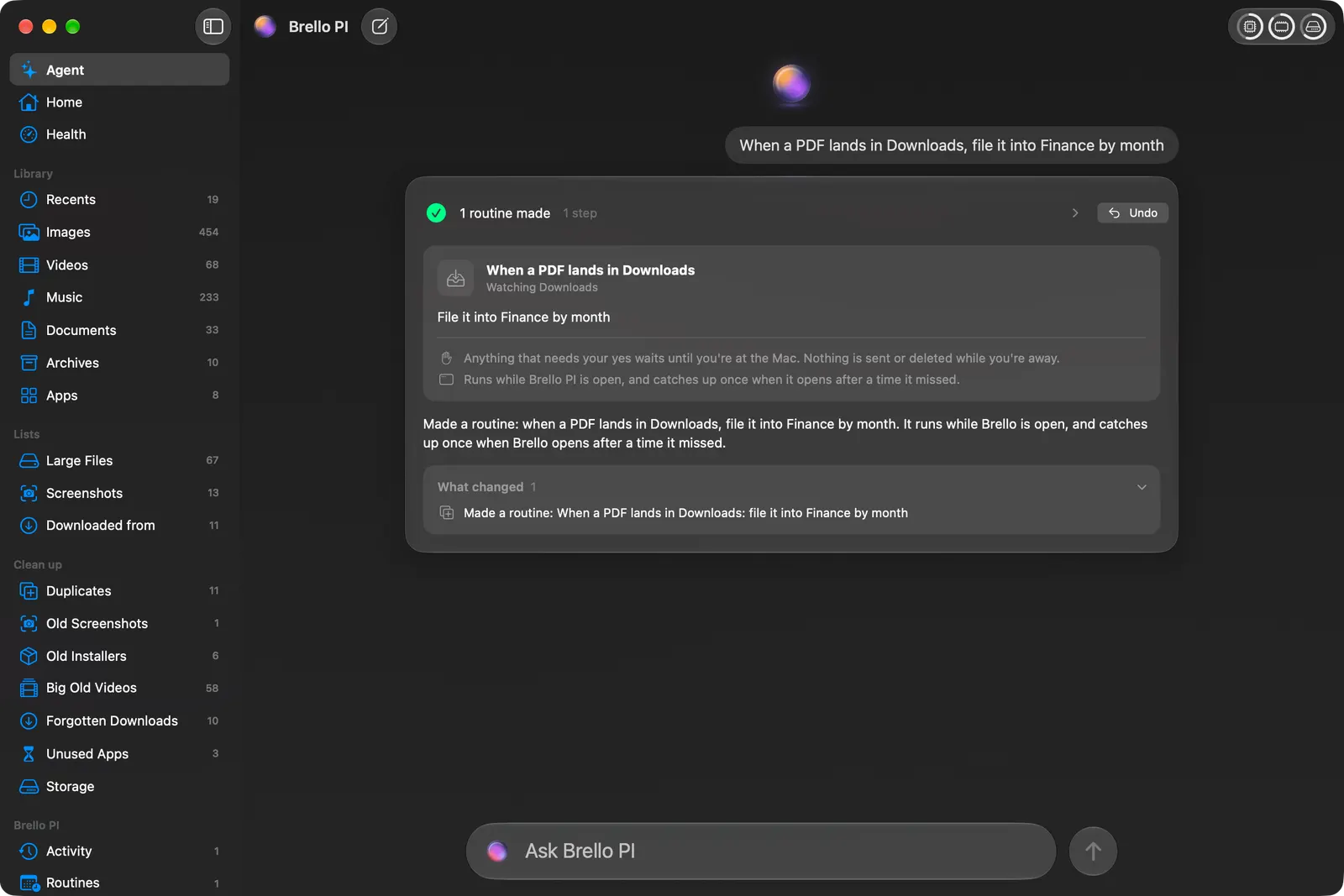
A folder routine is woken by macOS itself when something lands, through macOS’s own file system events, not by checking the folder over and over. It costs nothing while nothing arrives.
One catch-up, never a pile
Routines run while Brello PI is open. If your Mac was asleep, or Brello PI was closed, at 5 on Friday, the routine runs once when it can. Not once for every Friday it missed: once. A week away shouldn’t greet you with seven expense reports.
To have routines run even when Brello PI is closed, turn on Run routines when Brello PI is closed in Settings. It adds a small helper to Login Items, which opens Brello PI for a routine’s time, and Settings tells you it’s on. It’s off until you turn it on.
With nobody at the Mac
This is the rule we care about most. When a routine runs and nobody is at the Mac, Brello PI asks nothing, and never deletes, sends or goes online. Moves, new folders and documents can go ahead, each with Undo. Whatever needs you, a deletion, a question, a request online, waits until you’re back, and the run shows Waiting for you, with since when.
That isn’t a setting a model can talk its way around. Every run carries who started it and who was there, and the gate that every step passes through reads both, in code.
With nobody at the Mac, a routine never deletes, sends or goes online. What needs you waits for you.
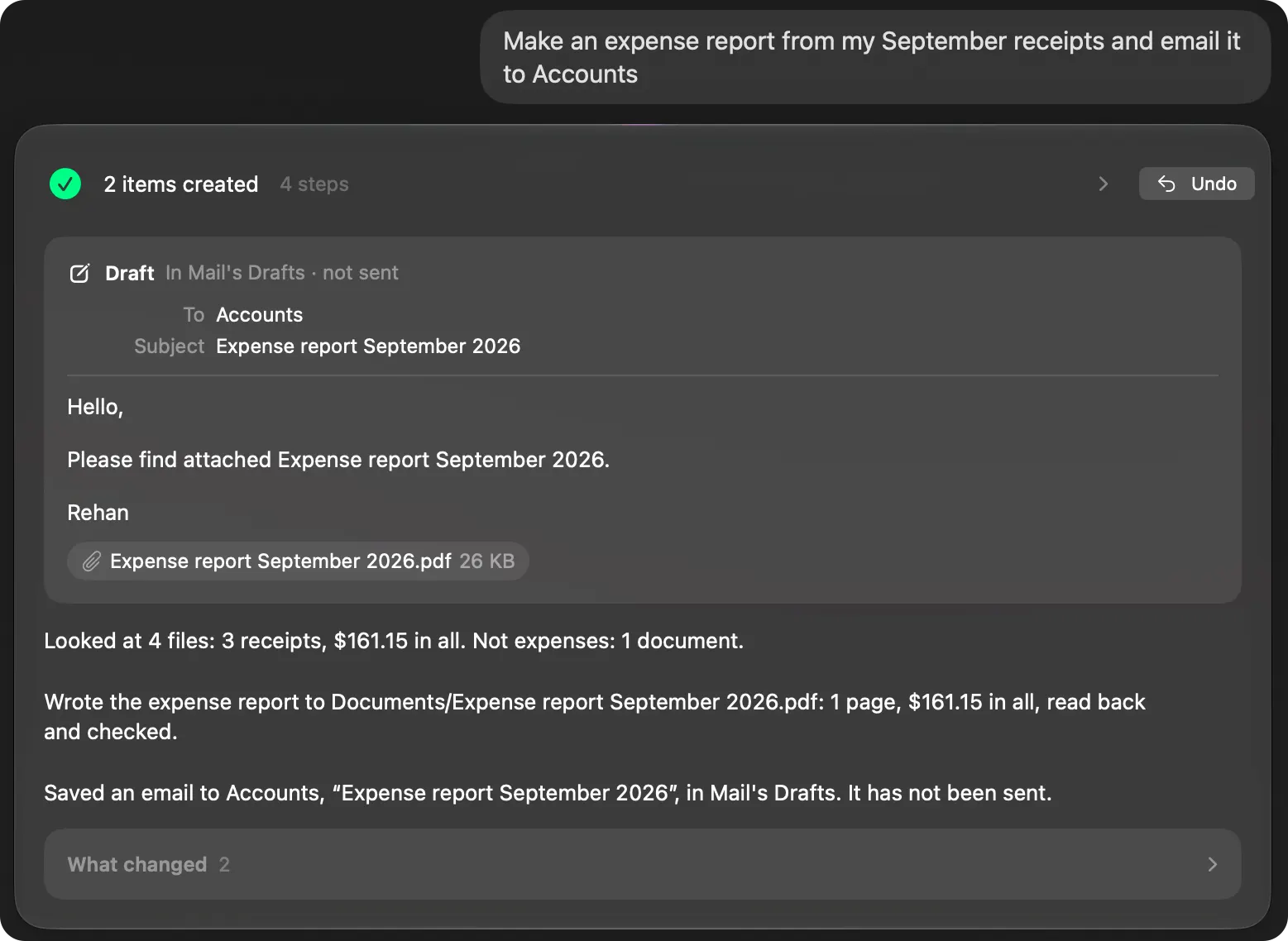
An email draft from a routine is still only a draft. You read it, and you send it.
Every run, written down
Open Routines in the sidebar and each routine shows what it does, in your words; when it runs next, or that it’s watching a folder; its last run and recent runs, each with how it went: Answered, Partly done, Could not do it, Waiting for you, You said no, or Stopped. Do It Now runs it while you’re there to answer. Delete stops it; what it already did stays done, and its runs stay listed.
Every run is also in Activity, marked as your routine, with Undo. The log of runs lives in Brello PI’s own folder on your Mac.
Two tidy rules, without a word
Two routines come built in, because nearly every Mac needs them. They’re the tidy rules, under Home’s Clean up and in Settings, and both are off until you turn them on.
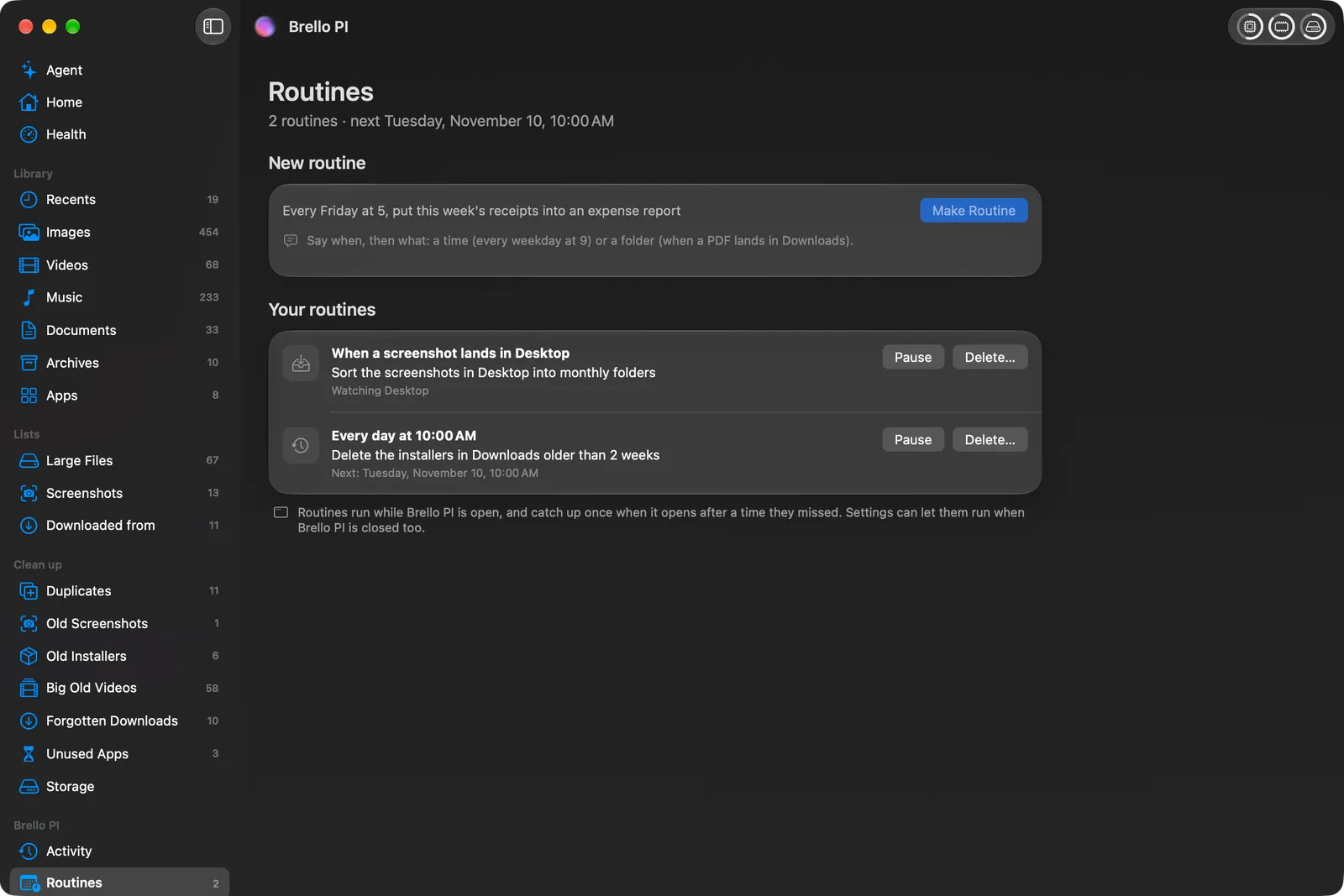
- Sort screenshots into monthly folders. When a screenshot lands on your Desktop, it goes into a folder for its month, inside Screenshots. Only moves, and Undo puts them back. Your Desktop stays clear, and last March’s screenshots are where you’d look for them.
- Clear out old installers. Every day at 10:00, Brello PI looks for disk images and installer packages in Downloads older than two weeks, and asks you about them. It deletes them only on your yes, to the Trash, with Undo.
Installers are the clearest case of a file that has done its job. Once an app is installed, its disk image is just space. But some people keep installers on purpose, which is why this rule asks, every time, instead of deciding for you.
Good routines to start with
- “Every weekday at 9, tidy my Desktop into folders.”
- “When a PDF lands in Downloads, file it into Finance by month.”
- “Every Friday at 5, put this week’s receipts into an expense report and draft the email to accounting.”
Where it works
Routines are made from a sentence, so they use the agent: a Mac with Apple silicon, macOS 27 and Apple Intelligence. To change a routine, delete it and make it again in new words. Every run stays on your Mac.