At a glance
| Raycast | Alfred | |
|---|---|---|
| Price, as each site says | Free; Pro from $8 a month billed yearly | Free core; Powerpack £34 once, or £59 with lifetime upgrades |
| Extending it | A large store of extensions | Workflows you build from blocks, in the Powerpack |
| Clipboard history and snippets | Built in | In the Powerpack |
| Window management | Built in | Not part of its core |
| AI | Raycast AI on paid plans | Not part of its core |
| Requirements, as each site says | Not listed on its home page | macOS 10.14 or later, Intel and Apple silicon |
Where Raycast is the better choice
- Extensions for the tools you use: developer tools, project trackers, design apps and more, from its store.
- More built in: clipboard history, snippets and window management come with the app, and its core features are free.
- AI in the launcher on its paid plans.
Where Alfred is the better choice
- One price, once. The Powerpack is a one-time purchase; Raycast’s Pro is a subscription.
- Workflows you design. Alfred’s workflows connect building blocks into automations without code.
- Older Macs. It runs back to macOS 10.14.
Which to choose
- Choose Raycast if you want the most built in, a store of extensions, and AI, and you don’t mind a subscription for Pro.
- Choose Alfred if you’d rather pay once and build your own workflows.
And Spotlight?
Spotlight, built into macOS, now does much of what people installed a launcher for:
- Actions: since macOS Tahoe 26, you can take hundreds of actions straight from Spotlight, such as sending an email or making a note, and give them quick keys, short strings that jump to an action.
- Clipboard history: open Spotlight with Command-Space, then press Command-4 to search what you’ve copied.
- It’s free and always there, with apps, files, settings and contacts from one shortcut.
Raycast and Alfred still go further: Raycast with its store of extensions, window management and AI; Alfred with workflows you design and a one-time price. Try Spotlight first; install a launcher when you want those.
Where Brello fits
Brello isn’t a launcher, so it doesn’t replace either. It’s an AI agent for your Mac that works beside them:
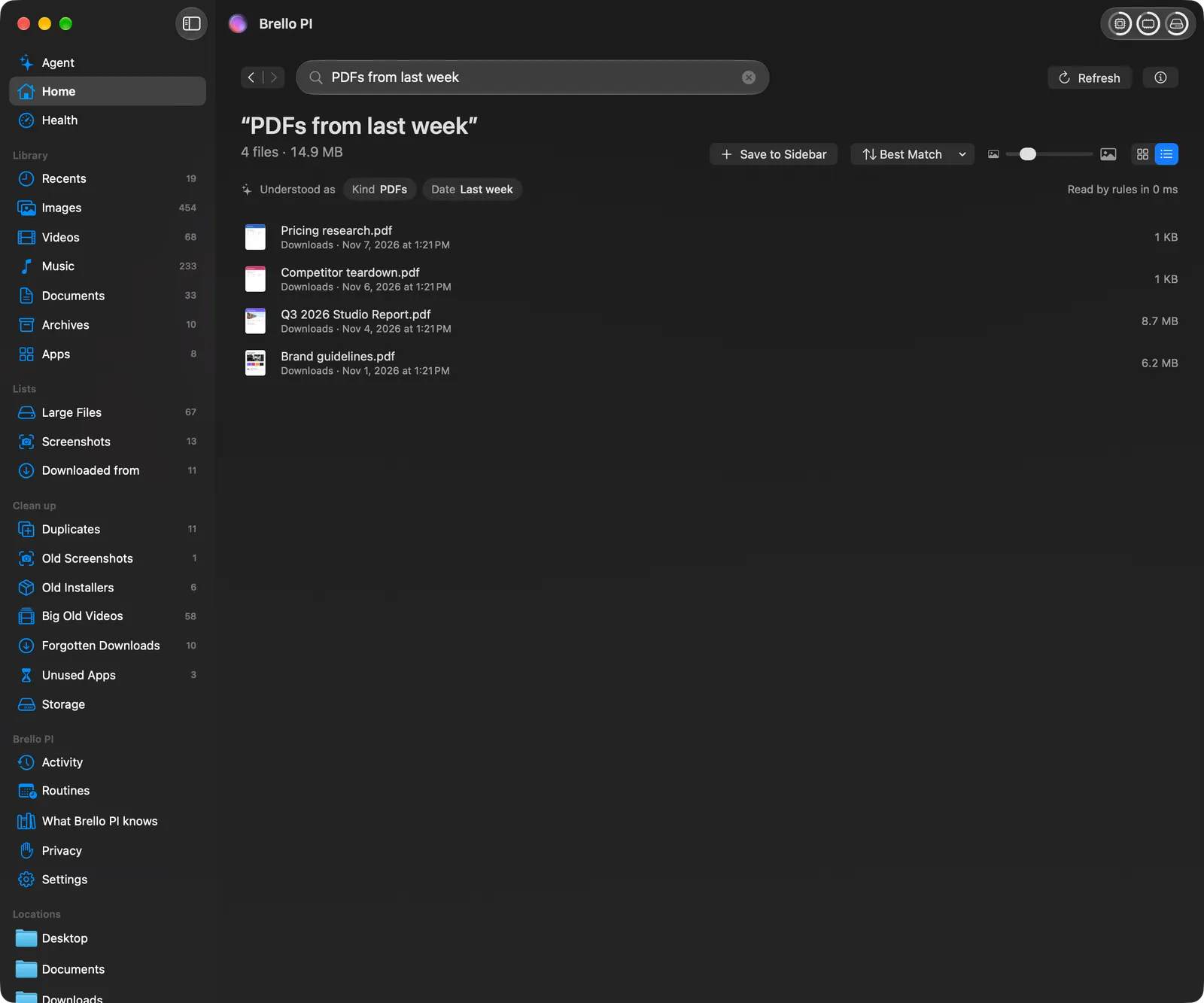
- Files by what you remember. Home finds “the contract I signed in March” and shows how it read your words.
- Work that takes many steps. “Make an expense report from my September receipts and email it to Accounts” reads the receipts, writes a checked PDF and drafts the email, for you to send.
- Your Mac itself. Clean up lists what’s safe to delete before anything goes to the Trash, and Mac Health shows how your Mac is doing in plain words.
Its popup has its own shortcut, Option-Space, which you can change in Settings so it doesn’t clash with your launcher. See Brello PI and Raycast and Brello PI and Alfred.
Switching from one to the other
- From Alfred to Raycast: install Raycast, choose its hotkey in onboarding (Option-Space is Alfred’s default, so pick another or change Alfred’s first), and look for an extension in Raycast’s store for each workflow you use. Your Alfred snippets don’t move by themselves; Raycast has its own snippets.
- From Raycast to Alfred: Alfred’s free core covers launching and file search at once; buy the Powerpack for clipboard history, snippets and workflows, and rebuild what you used as workflows or find them in Alfred’s gallery.
- To Spotlight: turn off the launcher’s hotkey, and set Spotlight back to Command-Space in System Settings ▸ Keyboard ▸ Keyboard Shortcuts ▸ Spotlight.
Questions
Is Raycast better than Alfred? For extensions, built-in window management and AI, Raycast. For a one-time price, workflows you design and a long record, Alfred. Both launch apps and find files equally fast.
Is Raycast free? Its core is free, with every built-in extension; AI and some features need Pro, from $8 a month billed yearly.
Is Alfred free? Its core is free forever; the Powerpack is £34, or £59 with lifetime upgrades.
Do I need Raycast or Alfred on macOS 27? Not to launch apps or find files: Spotlight does both, with actions and clipboard history. Install one for extensions, workflows or window management.
Can Raycast and Alfred run together? Yes, with different hotkeys. Most people settle on one.
What you need for Brello
Home, Clean up, Health and the popup’s file search work on any Mac with macOS 14 or later. The agent needs a Mac with Apple silicon, macOS 27 and Apple Intelligence.
We make Brello. What each app does and costs was read from its maker’s own site on November 2, 2026, unless a source says otherwise, and may have changed since: